
SafePal Card: A Crypto Card With a Swiss IBAN, but the Fine Print Matters
 Available in US
SafePal is best known as a hardware-wallet maker, but it has been pushing into payments through what it calls a Banking Gateway: a virtual Mastercard linked to a Swiss IBAN account held through Fiat24, an electronic-money institution. The pitch is that you can top up from 40-plus blockchains, spend anywhere Mastercard is taken, and settle cross-border payments from a euro account, all from inside the SafePal app. The reality, after going through the card’s own help pages, third-party trackers and user reports, is a more uneven product: the fee structure is competitive, the activation process is fiddly, the supported-country list is mysteriously empty, and a 2026 data breach has put the brand’s reliability under a cloud.
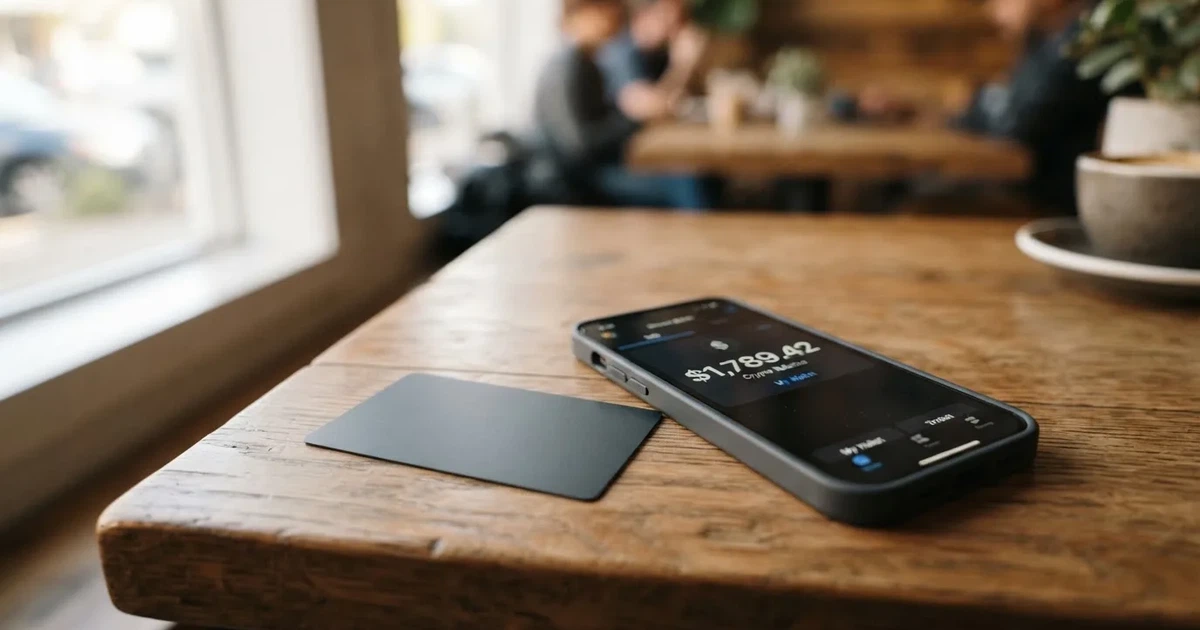
This review walks through who the card is really for, what it costs in practice, and where the rough edges are. I have not applied for or used the card myself; everything below is taken from SafePal’s published pages, third-party trackers (marked unofficial where they come from outside SafePal), and user reports.
The conditions described here are current as of October 28, 2026.
Verdict
SafePal scores 6.2 out of 10. That puts it in the middle of the crypto-card pack: weaker on eligibility and reliability, strong on cost and funding, average for everyday use. If you already own a SafePal wallet and want a Swiss IBAN to receive euro salaries, settle invoices or hold euros alongside your crypto, the combination is genuinely useful. If you just want a cheap crypto-to-Mastercard card and you are not already in the SafePal ecosystem, there are simpler options.
| Criterion | Score | Why it scores that way |
|---|---|---|
| Who can get it | 5 / 10 | Card is offered to “citizens of supported regions who live in supported areas”, but the regions list was empty when checked; eligibility is opaque. |
| Cost | 8 / 10 | No creation or management fees, standard top-up 0%, Mastercard 1% on non-USD settlement, refund fee 1 USD/EUR/CHF or 7 CNH; the 0.4% figure for top-up is only on the top tier. |
| Top-up options | 9 / 10 | Crypto from 40+ blockchains, defaults to USDC, activation needs 10 USDC on Arbitrum plus a small amount of ETH for gas. |
| Reliability and complaints | 4 / 10 | Swiss IBAN via Fiat24 but the card issuer is not named; 2026 data breach exposed order data of about 39,798 customers; Trustpilot 3.1/5 across 394 reviews; multiple reports of withdrawals stuck or short-paid. |
| Everyday use | 5 / 10 | Virtual Mastercard with Apple Pay, Google Pay, Samsung Pay and PayPal; no physical card mentioned; unofficial sources disagree on ATM access. |
The card suits SafePal wallet owners who want a Swiss euro account and a way to spend crypto from a balance they already control. It does not suit anyone who needs transparent eligibility rules, a physical card, or a regulated card issuer they can name.
Who Will They Give You the Card
SafePal describes eligibility in one line: “Citizens of supported regions who live in supported areas.” When I checked the regions page linked from the card’s help section, the list of names was empty. The page only showed monthly limits: $100,000 with a Mastercard, or $1,000 without one. That makes it impossible to tell from the public site whether a particular country is on the list.
The card is a virtual Mastercard debit card attached to a Swiss IBAN account held through Fiat24, a Swiss electronic-money institution. SafePal is the front-end and brand; the bank-side compliance and KYC run through Fiat24. The card issuer is not named on the public pages. For anyone evaluating the card, that is a meaningful gap: with most payment cards you can find the regulated issuer on the back of the card or in the terms; here you have to take it on trust that the Mastercard scheme is routing through a properly licensed programme.
In practice, eligibility is decided at the KYC stage. The address check is unusually tight: Fiat24’s KYC requires the residential address to be within 2 km of the location your phone reports, and you have to grant location access. The only named identity document is a passport, scanned through a third-party app called ReadID Ready. A credit check is not required and there is no staking requirement to apply. Age and rejection reasons are not stated in the public help pages.
How to Get It
Getting the card is a two-stage process: first the SafePal app, then the Fiat24 KYC. The official flow is:
- Install the SafePal app (version 4.5.0 or higher is called out as required), and hold a small amount of ETH on Arbitrum to pay gas.
- Open the Banking Gateway inside the app, register with email and phone, and start the Fiat24 KYC: email and phone verification, then a residential address check that uses your phone’s location, then a passport scan in the ReadID Ready app.
- Fund the activation: the help article dated 25 July 2026 says the Mastercard needs a one-off 10 USDC deposit on Arbitrum, plus ETH for gas. The sender always pays the blockchain gas.
- Once KYC clears, a virtual Mastercard number is issued. According to the help section, the card is virtual only: no physical card article exists, and unofficial trackers (cryptocardhub.com, 11 August 2026; defillama.com form) list the card as “Virtual” only.
There is no credit check and no staking requirement to apply. The minimum age and the typical processing time are not stated, and rejection reasons are not stated. If the registration fails or the account is later banned, the help pages point users to Fiat24’s support channel rather than to SafePal’s.
The 10 USDC activation deposit is worth flagging: it is not a fee, it sits on your card balance, but you cannot start spending until it has cleared, and the deposit is on Arbitrum. If you hold USDC on a different network, you have to bridge it across first, which costs more gas and adds another step where things can go wrong.
Fees: What It Really Costs
The headline numbers are friendly: no account creation fee, no monthly management fee, no fee for transfers inside the IBAN, and a standard top-up fee of 0%. The Mastercard charges a 1% foreign-exchange fee when a transaction settles in a currency other than US dollars. Refunds cost 1 USD, 1 EUR, 1 CHF or 7 CNH per refund, depending on the currency.
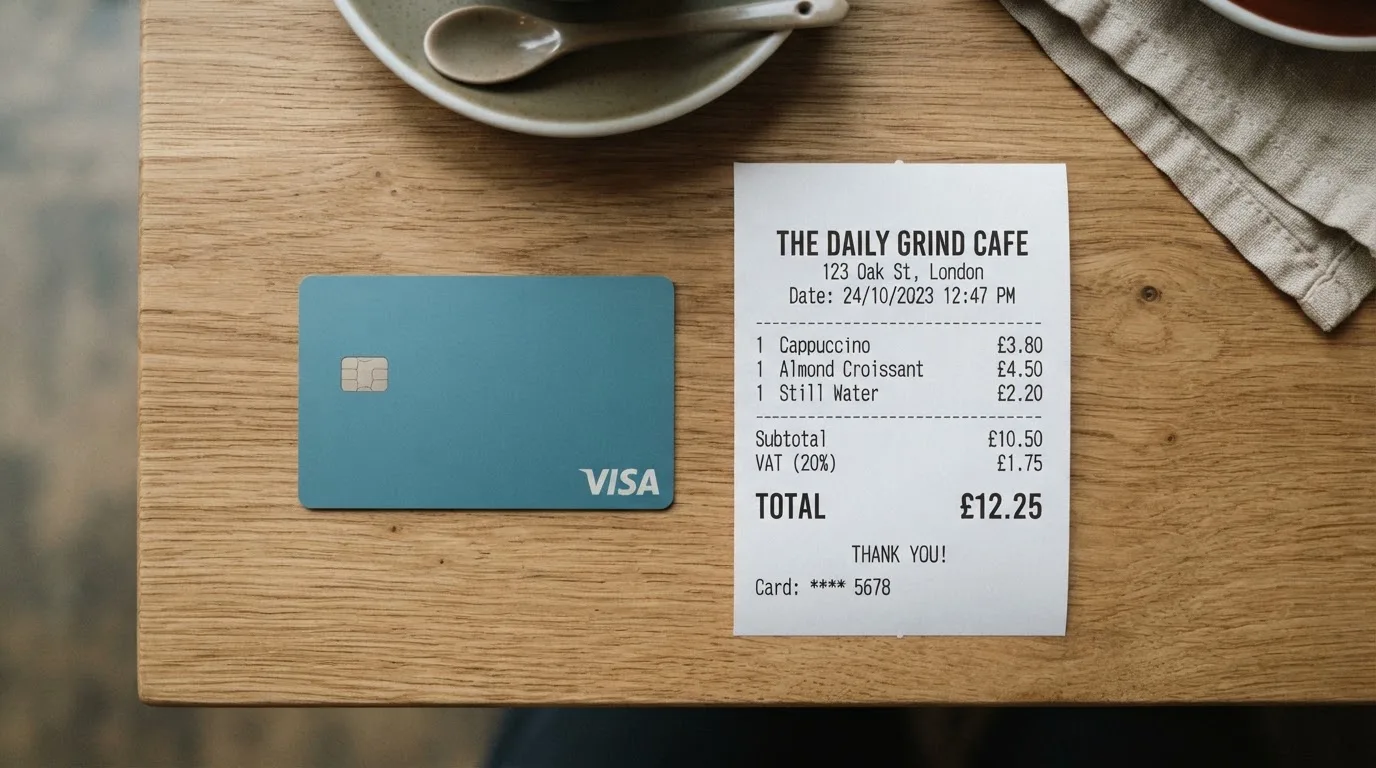
A few figures in the published tariff deserve attention because they conflict or are not quantified:
- The standard 0% top-up is offset elsewhere: a tier page cites a “standard 1% deposit rate” with tier-based rebates (for example Silver pays standard 1% and gets 0.1% back), while the same bank’s other page claims crypto top-up “as low as 0.4%” on the top tier. The fee article also flags a “zero-fee waiver on on-ramp/deposit” while a SafePal program runs, with the caveat that terms can change.
- Swaps include a spread that is not quantified anywhere I could find.
- Card issuance fee is not stated.
- ATM fees are not stated in the official help pages (see the unofficial note below).
| Fee or limit | Amount |
|---|---|
| Account creation | Free |
| Account management | Free |
| Card issuance | Not stated |
| Standard top-up | 0% |
| Mastercard non-USD settlement | 1% FX fee |
| Crypto top-up, top tier | “As low as 0.4%” |
| Standard deposit rate, tier-based | 1% (with tier rebates) |
| Refund processing | 1 USD / 1 EUR / 1 CHF / 7 CNH |
| Swap spread | Not stated |
| Contactless daily limit | 1,600 EUR |
| Other payment daily limit | 5,000 EUR |
| Monthly limit (with Mastercard) | $100,000 |
| Monthly limit (without Mastercard) | $1,000 |
| ATM withdrawal | Not stated officially |
Unofficial sources, for context. cryptocardhub.com (11 August 2026) and defillama.com (28 September 2026) both report no opening, management or virtual-card fee, with the main cost being the 1% FX fee. defillama.com says “ATM withdrawals: Yes” with no fee or limit; cryptocardhub.com says there is no physical card, so these two sources disagree on whether you can even reach an ATM.
Three everyday payments, in practice:
- Coffee at a Berlin café, paid with Apple Pay in EUR, card settled from your EUR balance. No FX fee, no top-up fee, no spread on a same-currency payment. This is the cheapest possible transaction.
- Online subscription priced in USD, paid from a card whose default currency is EUR. Mastercard converts EUR to USD and adds 1% on top of the wholesale rate. That is the real cost to watch.
- Subscription in a currency you do not hold (say a Japanese service priced in JPY). The card converts EUR to JPY through Mastercard at the 1% non-USD rate. Currencies you have enabled on the IBAN (EUR, CHF, USD, CNY) have zero FX fee; everything else goes through the 1% Mastercard fee.
The tier system adds another layer. Your account tier is set on the 1st of each month from the points you earned in the previous three months. Opening the IBAN account gives you 1,500 points. Higher tiers get a rebate on the standard 1% deposit fee (Silver, for example, pays 1% and gets 0.1% back) and reduced fees when buying USDC with the Mastercard. Staking the SafePal governance token $SFP with a 90-day lock and no early redemption raises your level. Referral commission rates also depend on tier. The upshot is that the cost of using the card depends on how much you stake and refer, and the official pages do not give a single clean tariff.
Top Up: How to Fund the Card
Top-up is the card’s strongest feature. SafePal accepts crypto from 40-plus blockchains, and by default converts the incoming crypto into USDC on Arbitrum before loading the card balance. That single design choice explains the high top-up score: it lets you fund the card from almost any chain you already use, with USDC as a predictable settlement asset.
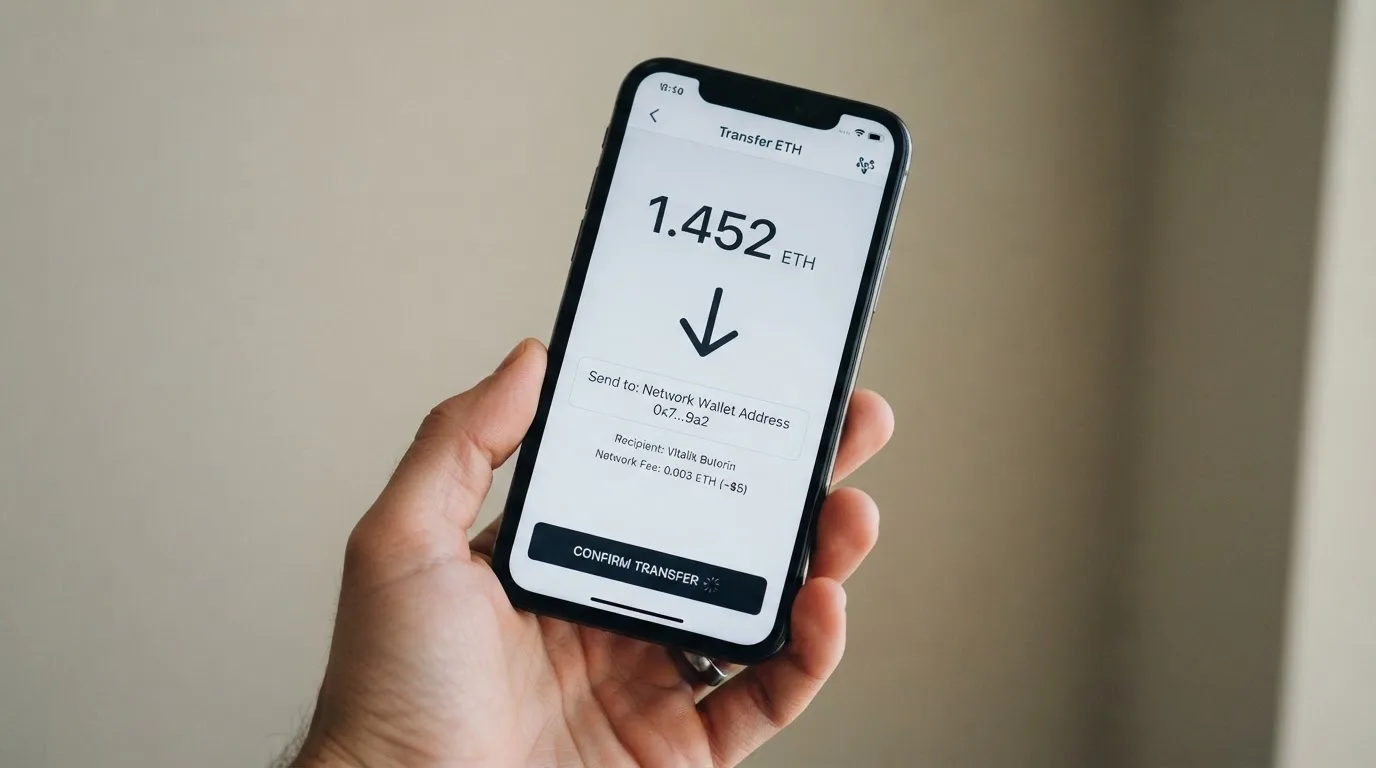
Activation has one specific requirement: a 10 USDC deposit on Arbitrum to bring the Mastercard online, plus enough ETH on Arbitrum to pay gas. The sender pays the blockchain gas in every case, and SafePal does not refund it.
The fee story on funding is mixed. The fee article says standard top-up is 0%. The bank’s other pages list fiat deposit fees from 0.6% and crypto top-up from 0.4% on the top tier, while a separate tier page describes a standard 1% deposit rate that drops with higher tiers. A “zero-fee waiver” on on-ramp and deposit is in place while a SafePal program runs, and the help pages warn that the terms can change. The cost you actually pay therefore depends on your tier and on whether the promotional waiver is still active when you fund.
A few practical points worth checking before you send anything:
- Network choice. Funds are credited on Arbitrum. If you hold USDC on Ethereum, Polygon, Base, Solana or Tron, you will have to bridge it across to Arbitrum or send it via a supported route. Circle stopped supporting USDC on Tron in February 2024, so USDC on TRC20 is not a native option.
- Gas. Every transfer costs gas. If your wallet has USDC but no ETH on Arbitrum, the transfer will not go through. The help pages do not name a minimum ETH balance; they just say you need “a small amount” for activation.
- Address mismatch. Blockchain transfers are irreversible. A deposit sent to a wrong network, or to an address belonging to a different chain, can be lost or have to be recovered manually through support with no guarantee.
- Fiat on-ramp. The SafePal blog noted in March 2026 that the fiat on-ramp is disabled “until further notice”, though crypto on-ramp through third parties such as MoonPay is still listed as working.
Withdrawing is the other half of funding. Transfers between accounts within the same IBAN are free. Transfers to external banks carry no SafePal or Fiat24 fee, although the receiving bank may charge its own fee. The help section has articles on payout transfers; the exact steps for withdrawing back to crypto and the balance treatment on account closure are not stated.
Paying With It Every Day
The card is a virtual Mastercard, and the card’s help section lists Apple Pay, Google Pay, Samsung Pay and PayPal as supported. There is no public article about a physical card. Tokenising the card into a phone wallet is the standard way to pay in a shop, and 3-D Secure (Mastercard Identity Check) handles the online authentication step.
Three things you actually feel when you start using the card:
- Currency choice. The Swiss IBAN holds fiat. You choose which currencies to enable (EUR, CHF, USD and CNY have zero FX fee). Payments in an enabled currency cost nothing extra; payments in any other currency go through Mastercard at the 1% non-USD rate. If you regularly pay in GBP, JPY or SGD, the 1% adds up.
- Rewards. There is no cashback. Instead, SafePal runs a referral programme that pays up to 40% of the referred user’s top-up fees, and a tier system where higher points unlock rebates on deposit fees and lower USDC purchase fees. So the “reward” for spending is indirect: spend more, get more points, get a better tier, get a slightly lower deposit fee next month. Anyone looking for a flat 1-2% cashback will not find it here.
- App. The SafePal app on iPhone and iPad (iOS 15.0+, version 4.11.12 as of 12 October) holds a 4.7/5 average across 17,000 App Store ratings read on 20 October 2026, although that is a wallet-level rating and not card-specific. The app interface includes English and 13 other languages.
A few everyday-use details are not stated in the official help pages. There is no public list of blocked merchant categories, no published dispute or chargeback procedure for the card, and no clear answer on whether the card can be used at an ATM. Refunds are processed at a flat 1 USD/EUR/CHF or 7 CNH fee per refund. If a transaction is declined, the hold can stay on the balance for some days, which is the network-wide norm but worth knowing if you are on a tight budget.
What Can Go Wrong
The 2026 data breach is the headline risk. SafePal disclosed that order information of about 39,798 customers was exposed. SafePal’s statement said no seed phrases, private keys, card numbers or ID documents were part of the leak, but users reported phishing calls in early July 2026, weeks before the disclosure, where the caller already knew accurate personal details. The combination of “no financial data was exposed” and “people with order data were phished” is the more dangerous version: the leaked data is enough to sound credible, even if it is not enough to spend from the card.
On user-reported reliability, the picture is mixed:
- Trustpilot for safepal.com (read 20 October 2026) sits at 3.1/5 across 394 reviews, with 57% five-star and 37% one-star. The company answers 93% of negative reviews, which is unusual for a crypto brand and a small positive. (One fact pack I saw earlier quoted 3.5/5 across 374 reviews, taken a few weeks before; the 3.1/394 figure is the more recent read.)
- A Reddit thread cited delayed transactions and slow support; reviews describe swaps and withdrawals shown as “completed” in the app but never arriving between February and September 2026.
- One May 2026 report described a Fiat24 refund arriving about 20% short, with the user being told to contact Fiat24 directly. Fiat24 problems go through a Telegram bot at t.me/fiat24bot, which is an unusual support channel.
- June-July 2026 reviews mention email-only support and copy-paste replies.
- None of the negative reviews I could see mention the card or the IBAN directly; the complaints cluster around the wallet, swaps and withdrawals. That is consistent with a younger card product that has not yet accumulated a body of card-specific reviews.
A few structural risks are worth naming:
- The card issuer is not named. The programme sits on a Mastercard licence that SafePal does not hold itself; if the programme changes, your card can be wound down. FTX’s debit card was shut down after Visa terminated its global agreements in November 2022; WaveCrest, a Visa card issuer that supplied crypto brands, was suspended by Visa in Europe in 2018. Visa and Mastercard can and do pull programmes.
- Funds sit with an EMI, not a deposit bank. Electronic-money institutions must safeguard customer funds, but safeguarded funds are not the same as deposits and are not covered by deposit-guarantee schemes. If the EMI fails, you are an unsecured creditor.
- The address check is strict. Your residential address has to be within 2 km of your phone’s location. If you live in a rural area, travel often, or use a VPN, the KYC will be harder to pass.
- Fiat24 support runs through a Telegram bot, which is faster for some users and harder for others. There is no published support hours.
- Insurance on the card balance is not stated.
On the upside, the card itself can be frozen and unfrozen in the app, transaction history is visible, and the user can set a custom spending limit. SafePal’s wallet is non-custodial, so the crypto side stays under the user’s control until it is converted and loaded onto the card.
What to Take Instead
SafePal is not the only crypto-to-card product. Three alternatives, all roughly in the same cost band, are worth a look depending on what you want.
| Card | Score | Best for | Key difference from SafePal |
|---|---|---|---|
| BloFin Wallet Card | 6.9 / 10 | A tiered Visa with a clear spend-fee ladder | Visa Platinum rather than Mastercard, USDT/USDC on Arbitrum and Base, spend fee 1.00% down to 0.00% across six VIP tiers, no cashback but the lower spend rate replaces it |
| Decaf | 6.2 / 10 | A non-custodial Visa on Solana or Stellar | $5 virtual or $10/$90 physical card, no FX markup (“the FX is the one Visa offers”), but no physical outside the US, and a long restricted-country list (Belarus, China, India, Iran, Russia, Turkey, Ukraine, Venezuela, Vietnam, several US states) |
| Avici | 6.1 / 10 | A secured crypto credit card with travel perks | “No hidden fee / no gas / no interchange” advertising, no percentages published, virtual cards by category (subscriptions, groceries, travel) plus a physical card, perks marketed as airline miles, rental-car insurance and travel protection; conversion and FX fees not stated |
If you want the cheapest flat spend fee, BloFin’s VIP 5 tier is 0.00% and is more transparent than SafePal’s tier system. If you want zero FX markup on a Visa, Decaf is a closer fit than SafePal’s 1% non-USD Mastercard fee. If you want a physical card and travel perks, Avici publishes the perks more clearly than SafePal publishes a physical card at all.
Who I Would Recommend It To
The SafePal card is a good fit for a narrow, well-defined reader:
- You already use a SafePal hardware or software wallet, you self-custody your crypto, and you want a regulated way to receive euros and spend from a balance you control.
- You live in a country that is on the (unpublished) supported list, your residential address is within 2 km of your phone’s location, and you are happy to scan your passport through ReadID Ready.
- You hold USDC on Arbitrum, or you are willing to bridge across and pay gas to do so. If you hold USDC on Tron, note that Circle stopped supporting USDC on Tron in February 2024.
- You mostly pay in EUR, USD, CHF or CNY (zero FX fee) and only occasionally need to pay in other currencies.
- You are comfortable with the 1% Mastercard non-USD settlement fee, no cashback, and a tier system that lowers the deposit fee rather than returning a flat percentage on spend.
The card is a poor fit if you need any of the following: a physical card (none is described), a named card issuer (not published), an ATM (not stated officially and conflicting across unofficial sources), a published list of supported countries (the regions page is empty), a flat cashback rate, or a card with a long, public complaint history on its own product. The 2026 data breach and the user reports of stuck withdrawals and short refunds also argue for caution if you plan to load a large balance.
For a first crypto card, BloFin or Decaf is easier to read. For a SafePal wallet owner who specifically wants a Swiss IBAN, the card earns its place in the app.
Frequently Asked Questions
What is the SafePal card?
The SafePal card is a virtual Mastercard debit card attached to a Swiss IBAN account held through Fiat24, a Swiss electronic-money institution. It is offered from inside the SafePal app as part of what SafePal calls its Banking Gateway, and it is designed to let you spend a balance funded from crypto.
How does the SafePal card work?
You open a Banking Gateway account inside the SafePal app, complete Fiat24 KYC (email, phone, address check, passport scan in ReadID Ready), and send 10 USDC on Arbitrum to activate the Mastercard. You can then top up the card balance with crypto from 40-plus blockchains, which by default converts to USDC on Arbitrum, and spend with Apple Pay, Google Pay, Samsung Pay or PayPal, or online with Mastercard Identity Check.
Is SafePal a bank?
No. SafePal is the brand and the software; the Swiss IBAN account is provided by Fiat24, an electronic-money institution. SafePal does not hold a banking licence itself, and the card’s issuer is not named on the public help pages. The IBAN is real and Swiss, but the funds sit with an EMI, not a deposit-taking bank, so they are not covered by a deposit guarantee scheme.
Who owns SafePal?
SafePal is operated by the SafePal team behind the SafePal hardware and software wallet; the card programme is run jointly with Fiat24 in Switzerland. The card issuer is not named on the public pages, which means the regulated entity that issues the Mastercard is not disclosed.
Is the SafePal card available in my country?
SafePal’s help section says the card is for “citizens of supported regions who live in supported areas” and points to a regions page that, when I checked, had no list of country names. The page only showed monthly limits ($100,000 with the Mastercard, $1,000 without). The only reliable way to know is to start the application and see whether Fiat24 KYC clears.
How do I get the SafePal card?
Install the SafePal app (version 4.5.0+), open the Banking Gateway, register with email and phone, complete Fiat24 KYC (including a passport scan in ReadID Ready and an address check within 2 km of your phone’s location), and send 10 USDC on Arbitrum to activate the Mastercard. You will also need a small amount of ETH on Arbitrum to pay gas.
Does the SafePal card require KYC?
Yes. KYC is required by the licence and regulator, and it is handled by Fiat24. You need to verify your email and phone, allow location access for the address check, and scan a passport in the ReadID Ready app. There is no credit check and no staking requirement to apply.
How do I top up the SafePal card?
Send crypto from any of 40-plus supported blockchains to the address in the app. By default, the incoming crypto is converted to USDC on Arbitrum and loaded onto the card balance. The sender always pays the blockchain gas. If you hold USDC on a different network, you have to bridge it to Arbitrum first.
How do I add the SafePal card to Apple Wallet?
In the SafePal app, open the card view, choose “Add to Apple Wallet” and follow the prompts. The same flow exists for Google Pay and Samsung Pay. The card number stays virtual; Apple Pay replaces it with a device-specific token rather than storing the real PAN on Apple’s servers.
Is the SafePal card safe?
The card has standard safeguards: freeze and unfreeze in the app, customisable spending limits, Mastercard Identity Check for online purchases, and tokenised mobile wallets. The wallet itself is non-custodial, so your private keys stay with you. On the other hand, SafePal disclosed a 2026 data breach that exposed order information of about 39,798 customers, and the card issuer is not named, so the regulated party behind the Mastercard is not publicly identified. Insurance on the card balance is not stated.
Highest-scored wallet cards – cryptocardbest.com
Content created by the «cryptocardbest.com» team