
ARQ card review: a Mastercard backed by your digital-dollar balance, but only in four Latin American countries
 Available in US
The ARQ card is a Mastercard that draws on a digital-dollar balance held in the ARQ app. If you live in Mexico, Argentina, Colombia, or Brazil, and you already think in terms of digital dollars rather than your local peso or real, the card looks useful on paper: a free virtual version, a physical card with a small shipping fee, Apple Pay and Google Pay, and the ability to withdraw from ATMs around the world. After going through the terms, the fees, and the public complaints, my overall mark for the ARQ card is 5.4 out of 10. The everyday mechanics are strong, but the card is only available in four countries, you cannot top it up directly with crypto, the company behind it has no public licence information, and the user reviews are mixed at best.
The information below reflects what the card’s own pages say, plus what third-party review sites and app stores report. It is current as of October 28, 2026.
Verdict
I scored the ARQ card at 5.4 out of 10. The breakdown below shows where the card earns its points and where it loses them.
| Criterion | Score | Why |
|---|---|---|
| Who can get it | 3 / 10 | Only Mexico, Argentina, Colombia, and Brazil; the physical card is mailed to addresses inside those countries |
| Cost | 8 / 10 | Virtual card free, physical card $4.99 USD shipping, no monthly or annual fee, 1% ATM commission; FX markup is not disclosed |
| Top-up options | 3 / 10 | No direct top-up: money goes to a bank account in the app, and the USDc/EURc balance funds the card; coins and networks are not disclosed |
| Reliability and complaints | 4 / 10 | Formerly DolarApp; no licences listed; Trustpilot scores are mixed, with complaints about frozen accounts and slow support |
| Everyday use | 9 / 10 | Virtual and physical Mastercard, Apple Pay, Google Pay, worldwide ATM access (except for Argentina-issued cards) |
The audience this card genuinely serves is narrow: residents of Mexico, Argentina, Colombia, and Brazil who already hold digital dollars and want a simple way to spend that balance at point-of-sale terminals, online, or through a mobile wallet. If you are outside those four countries, or you need a card you can load directly from a crypto wallet, ARQ is not the right fit.
Who can get the ARQ card
The country selector on ARQ’s site lists only four countries: Mexico, Argentina, Colombia, and Brazil. The physical card can be sent “anywhere within Argentina, Colombia, Mexico, or Brazil” — that is, to a valid postal address in whichever of those four you registered with. There is no option to ship the card internationally, so even if you are a citizen of one of those countries but live in Spain, the United States, or anywhere else, the physical card will not reach you. The virtual card has no address requirement, so it works wherever the app itself is supported, but the plastic does not travel.
ARQ is targeted at people who hold digital dollars. The card balance is denominated in USDc (a digital dollar), and the whole product is built around the idea that you park money in a stable USDc or EURc balance inside the ARQ app and spend it with a card. If you do not already think in digital dollars, this card does not have much to offer you.
One important note: ARQ does not publish a list of blocked nationalities or countries beyond its own four. The card pages do not mention sanctioned jurisdictions, age limits, or which documents you will need to upload. The terms simply say identity verification must be completed in the app before the card can be created, and that the specific documents and proof of address required are not stated. In practice, you should expect a government-issued ID and possibly a selfie, as is standard for Latin American fintechs, but the exact requirements are not made public.
If you have had trouble getting an ordinary bank card because of where you live, your immigration status, or your banking history, ARQ may be appealing precisely because it does not require a traditional bank account. But the four-country limit means it is only a real option for a small slice of the world’s unbanked and underbanked population.
How to sign up
Signing up runs through the ARQ mobile app. The process the card pages describe is straightforward: download the app, log in, and on the Home screen tap the card banner, then request either a free virtual card or the paid physical card.
Before the card can be created, you have to complete identity verification inside the app. The card pages are clear that you cannot generate a card while the verification is pending or incomplete. They do not, however, tell you which documents will satisfy the review, how long it usually takes, or what the typical rejection reasons are. There is a mention of “verification tiers,” but the tiers themselves are not described, so it is hard to know in advance what level you will reach or what limits come with each tier.
One thing worth noting: the card pages mention that an account review can temporarily block card creation, even after you have submitted your documents. This is not unusual in the region — Mexican and Colombian fintechs sometimes hold new accounts for a manual review before activating them — but the lack of published timelines means you should not count on getting a card the same day you sign up.
The physical card, once approved, is delivered to an address in Mexico, Argentina, Colombia, or Brazil. The card pages say delivery takes 2 to 15 business days; another ARQ article says 7 to 10 business days, so plan for somewhere in that range. Shipping costs $4.99 USD. The cost of a replacement card, should you lose the first one, is not stated.
What it really costs: ARQ fees
Cost is one of the ARQ card’s stronger points, at least at the headline level. The virtual card is free. The physical card costs $4.99 USD for shipping. There is no monthly maintenance fee, no annual fee, and no inactivity fee. Premium users (a paid tier ARQ offers, though the price is not stated on the card pages) get their first physical card free.
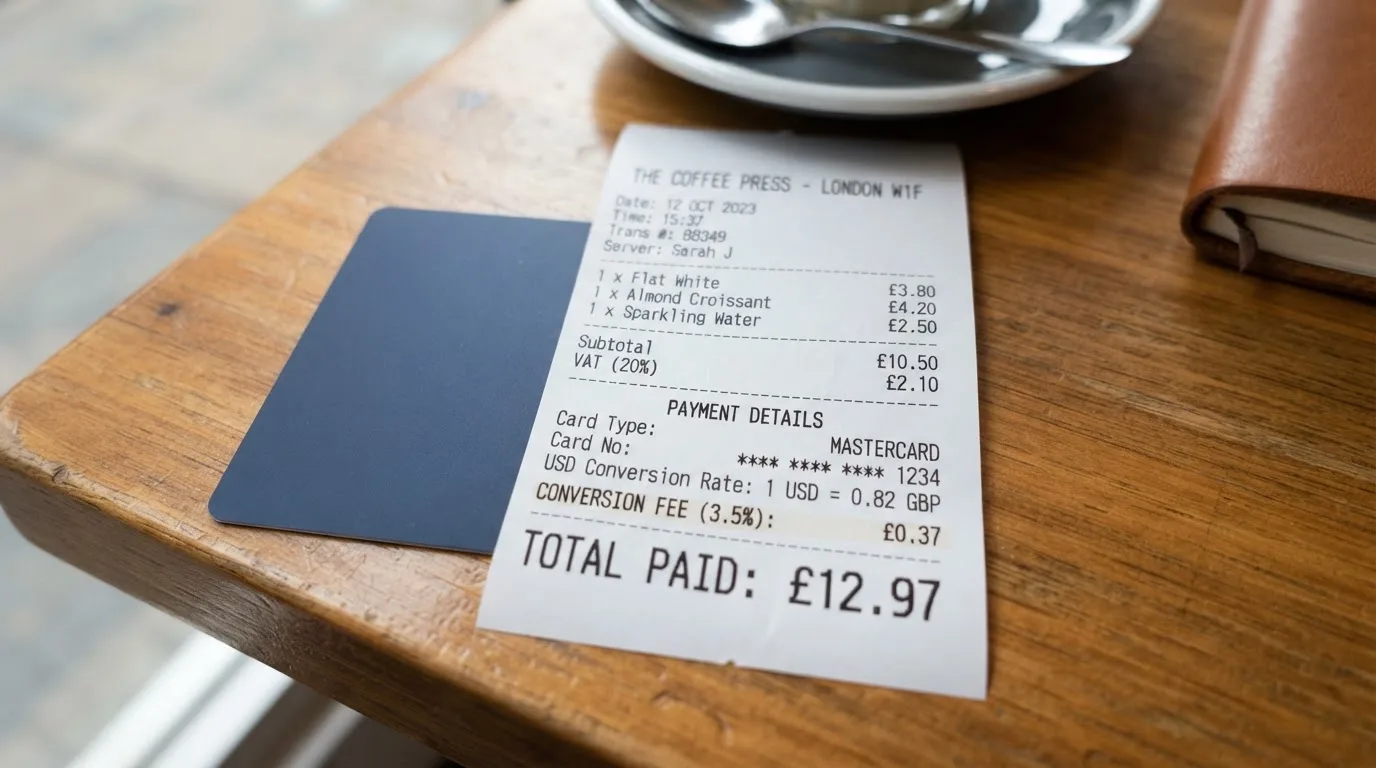
ATM withdrawals cost 1% of the amount withdrawn. Premium users get up to 500 USDc per month in ATM withdrawals free of the ARQ commission, but the ATM owner can still charge their own fee. One important restriction: cards issued in Argentina cannot be used at international ATMs at all.
The card pages do not list a separate foreign-exchange (FX) fee or spread. Instead, they describe a “buy rate” that applies when you add money to the account and a “sell rate” that applies when you pay with the card. Both rates are shown in the app before you confirm a transaction. The card pages say there are “no hidden fees,” but they do not actually disclose the spread between the buy and sell rates, which is where most card-funded money movement quietly costs money. If you are sensitive to FX markups, you should compare the ARQ rate against the mid-market dollar rate on the day you load or spend, and judge for yourself whether the spread is acceptable.
Card spending limits are tied directly to your account balance: if you hold 100 USDc, your spending limit is 100 USDc. The card cannot overdraw. On the card-count side, you can create up to 10 virtual cards in a month, with a maximum of 3 active at any one time and 30 in total over time.
Below is a summary of the fees and limits from the card’s own pages.
| Fee or limit | Amount |
|---|---|
| Virtual card issuance | Free |
| Physical card issuance | $4.99 USD shipping (free for Premium or if your Main Balance is over $100 USD) |
| Monthly maintenance | None stated |
| Annual fee | None |
| ARQ ATM commission | 1% of amount withdrawn (free up to 500 USDc/month for Premium) |
| ATM owner fee | Possible, varies by operator |
| FX fee | Not disclosed; buy and sell rates shown in app |
| Card spending limit | Equal to USDc account balance |
| Virtual cards per month | Up to 10 |
| Active virtual cards | Up to 3 |
| Total virtual cards | Up to 30 |
| Card delivery | 2 to 15 business days (another article says 7 to 10) |
| Replacement cost | Not stated |
| FX fee (cards from Argentina) | International ATM use not allowed |
Three everyday payments and which fees apply
To make the table feel less abstract, here is what three common transactions look like under those terms.
- Buying a $50 USD coffee abroad with the virtual card through Apple Pay. The card deducts 50 USDc from your balance at the sell rate shown in the app. There is no ARQ fee. The sell rate is what the merchant effectively receives converted into dollars; that is where the spread lives.
- Withdrawing 200 USDc from an ATM in the United States with the physical card. ARQ takes 1% — that is 2 USDc. The ATM operator may add its own fee, often $2 to $5. If you are a Premium user, the ARQ 1% is waived up to 500 USDc per month, so only the operator fee applies.
- Paying a 30 EUR subscription with the card. ARQ converts your USDc balance to euros at the sell rate, debits the equivalent in USDc, and passes the euros to the merchant. No ARQ fee on top, but the spread between ARQ’s sell rate and the mid-market rate is the real cost.
The pattern is the same in all three: ARQ’s own fees are low or zero, and the meaningful cost is either the operator fee (for ATMs) or the FX spread (for currency conversion). If you only spend in USDc-equivalent transactions, the card is effectively fee-free.
How to top up the ARQ card
Top-up is where the ARQ card starts to look unusual — and not in a way that suits everyone. You cannot load the card directly. There is no “add money from crypto” button on the card, no list of supported networks, no mention of USDT or USDC. Instead, the card pages describe a two-step process: you add money to the ARQ account through the banking details shown in the “Add” section of the app, and the USDc (or EURc) balance in that account backs the card. The specific coins and networks the account accepts are not stated on the card pages.
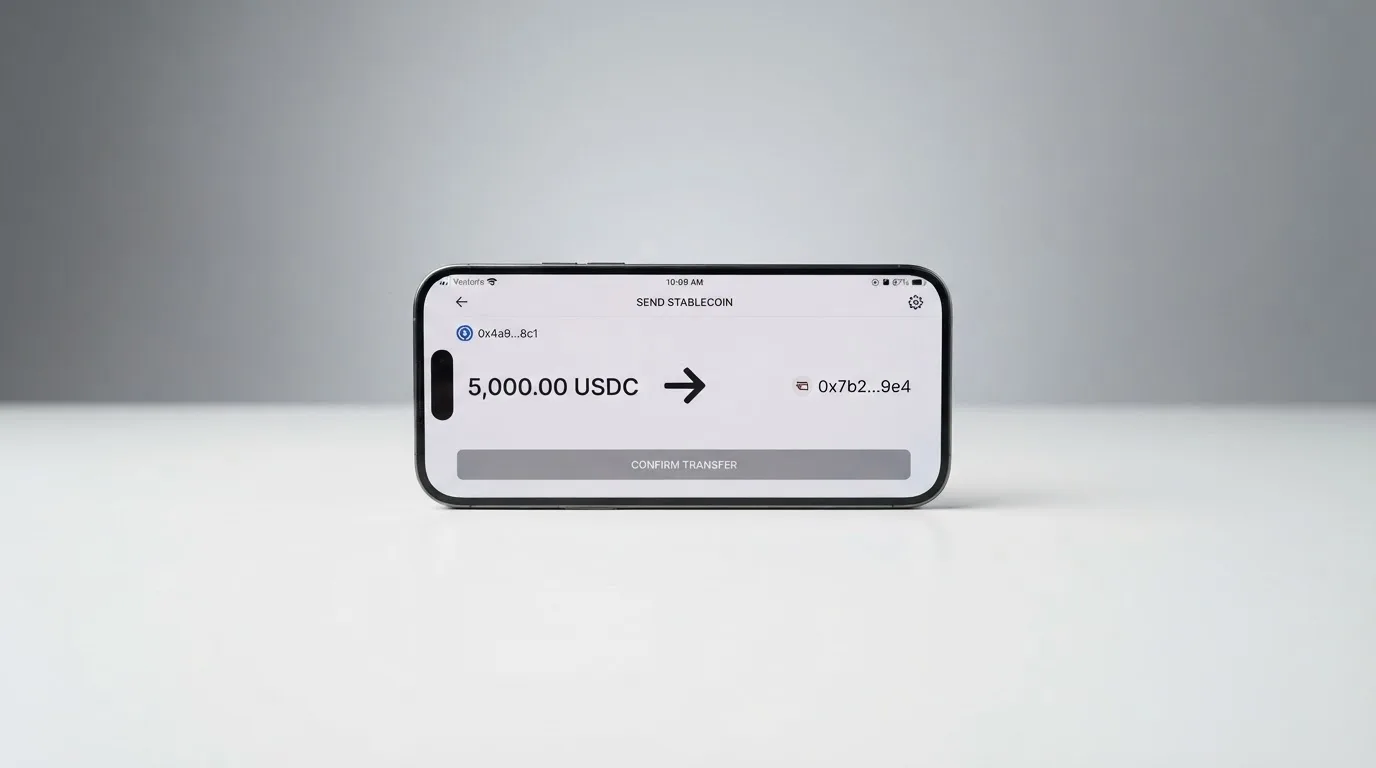
In practice, this means the card’s funding flow runs through the underlying ARQ account rather than the card itself. Money arrives in your account via bank transfer or whatever rails the app exposes, gets converted to USDc or EURc at the buy rate, and only then becomes available for the card to spend. The fees and minimums for these deposits are not stated on the card pages, and there is no information about which cryptocurrencies, if any, you can send directly from a self-custody wallet.
This design has two consequences worth thinking through. First, if you hold your crypto in a self-custody wallet and want to use ARQ, you are likely going through an extra step — sell your crypto on an exchange, withdraw to your bank, then add to ARQ — rather than a direct on-chain deposit. Second, the card’s appeal depends on the ARQ account being a useful product in its own right. If the account is clunky, the card inherits that clunkiness.
Withdrawals work in the mirror direction. The card pages say funds cannot be sent to other cards and must be sent to a bank account. The fees and any minimum closing balance for the account are not stated.
Paying with the card every day
Where the ARQ card does its job well is in everyday spending. The card is a Mastercard, which means it works at any merchant that accepts Mastercard — online or in person. The card pages describe both a virtual and a physical version, and both support Apple Pay and Google Pay. Adding the card to Apple Wallet is done from the Home tab; Google Pay is mentioned in the card overview. The card pages do not list any blocked merchant categories (such as gambling or cryptocurrency purchases), so on the official side nothing is excluded up front.
The app itself is rated 4.5 out of 5 on the App Store for the “ARQ: Global Finance” listing (992 ratings as of 2026-10-21), and the official pages cite app ratings of 4.7 and 4.5 in places, though those numbers are not dated. The app requires iOS 17.0 or later on iPhone. The Google Play rating was not obtained for this review.
The card does not describe a cashback or rewards programme on its official card pages. The sign-up form mentions that reward details are sent by email. Treat any cashback talk as unofficial until you see the terms in your inbox and confirm them against the in-app rules.
For disputes, the standard Mastercard chargeback process applies, and ARQ says the investigation can take up to 120 days. Opening a chargeback does not guarantee a refund — that is standard for the industry, but worth saying plainly. The status of any dispute is visible in the Help Center and the app, with notifications and email updates.
What can go wrong
The risks around the ARQ card cluster around company transparency, user feedback, and the limits of what the card actually does.
Company and licensing. ARQ is the former DolarApp, and the copyright on its pages is held by DolarApp Inc. In Colombia, the structure is split: virtual asset services run through DolarApp México S.A. de C.V., and credit card services through DAPP Colombia S.A.S. (NIT 901644165-9). The Mexico help page lists Pier 5 S.A. de C.V. as the provider of credit card services. None of the card pages I checked name a financial-services licence — no EMI authorisation, no Mexican fintech institution registration, no Colombian SuperFinanciera listing. The card pages do not describe the custody model for the USDc/EURc balance that backs the card, and they do not state how customer funds are safeguarded. For a card product, the absence of any licence number or regulator reference is a meaningful gap.
User feedback. Trustpilot shows an “ARQ Finance” page with 3.9 out of 5 from 6 reviews (read 2026-10-21). The older DolarApp Trustpilot page sits at 2.0 out of 5 from 128 reviews. The themes that come up again and again in user reports (2025 to 2026) are accounts frozen or blocked with funds held, an unrecognised charge on a virtual card in one specific September 2026 review, and slow or unresponsive support. App-store reviews echo the same complaints. Six reviews is too small a sample to call the card unreliable, but the pattern in the older DolarApp reviews is harder to dismiss.
Security and support. On the plus side, the app supports 2FA, instant card freeze, 3-D Secure, PIN viewing, and block/unblock controls. In-app chat is available 24/7, complaints can be sent to [email protected], and the Help Center is published in Spanish, English, and Portuguese. On the minus side, there is no public description of how the underlying USDc balance is held — whether it sits in a segregated account, who the custodian is, or whether it is insured against platform failure. Given that a stablecoin balance is the asset backing every card payment, that is information you would normally want before loading meaningful sums.
Programmatic risk. ARQ is a Mastercard programme, which means Mastercard sets the rules and can in principle suspend the programme, the same way Visa suspended FTX’s card issuer in November 2022. There is no current sign of any such action against ARQ, and no licence or fine events appear in the public record. But “no public record today” is not the same as “safe forever,” and the same caveat applies to any card that depends on a network and an issuer staying in business.
Argentina-issued cards have a specific extra limitation: they cannot be used at international ATMs. If you hold an Argentine-issued ARQ card, your ATM access is domestic only.
What to take instead
The ARQ card is a reasonable option for a narrow audience. If you fall outside that audience — say, you live in a country ARQ does not serve, you want a card that loads directly from crypto, or you want a programme with stronger published credentials — here is what else is out there, and how each compares on the score I would give them.
| Card | Score | Where it works | Funding model | Rewards | Notable limitation |
|---|---|---|---|---|---|
| ARQ | 5.4 / 10 | Mexico, Argentina, Colombia, Brazil | Funds ARQ account via bank rails; USDc/EURc balance backs card | Not stated on card pages | No published licence; no direct top-up |
| Whop Cards | 5.2 / 10 | Consumers in 31 US states; businesses in 41; some countries excluded | Spends from a Whop balance backed by stablecoin collateral | 5% cashback at select merchants, including Uber | FX and conversion fees not stated; many countries excluded |
| Stella | 6.5 / 10 | Countries not stated; routes US and European users through affiliates | Deposit crypto into the in-app wallet; auto-top-up | No cashback stated; separate yield product | Fees not stated officially |
| UniFi Card | 4.7 / 10 | Send-money routes include the Philippines, Mexico, eurozone, Colombia, Brazil, UK | Receive via ACH, wire, SEPA, SPEI; get paid to a USDC wallet | 3% rewards on balances claimed in listing | Card cashback not stated; card fees not stated |
Whop Cards works only in a long list of US states and explicitly excludes countries including Russia, Belarus, China (Mainland), Iran, and Venezuela. Its main hook is 5% cashback at select merchants, but the FX and conversion fees are not stated, and the unsupported country list is longer than ARQ’s.
Stella has the highest score of the three alternatives I considered, but its country availability is not stated on the official site, and the fees are not stated officially either — the terms just refer to “this User Agreement and/or on the App.” Funding is more direct than ARQ’s: you deposit crypto into the in-app wallet, and the card tops up automatically.
UniFi Card is a prepaid Visa issued by Lead Bank, with card currency in USD and routes that include ACH, wire, SEPA, and SPEI. It claims 3% rewards on balances, but its official card fees are not stated. Its score is the lowest of the four here.
If you are choosing between these, the deciding factors are: which countries the card actually serves, whether you can fund it directly from crypto, whether the fees are published in plain numbers, and whether the company has a licence you can look up. ARQ does well on the spending side and on cost, but poorly on licensing transparency and on the ability to top up from crypto.
Who I would recommend the ARQ card to
After going through all of this, the picture I am left with is a card that does its main job — letting you spend a digital-dollar balance at Mastercard merchants around the world — at low cost, but only inside four Latin American countries and only via an underlying account that the card pages do not fully document.
I would recommend the ARQ card to someone who:
- Lives in Mexico, Argentina, Colombia, or Brazil and wants a Mastercard linked to a digital-dollar balance.
- Is comfortable funding the card through a bank-transfer top-up to the ARQ account rather than a direct on-chain deposit.
- Does not rely on the card for large balances where the lack of published safeguarding details would be a real concern.
- Is happy to spend in USDc or accept the buy/sell spread on currency conversion.
I would not recommend the ARQ card to someone who:
- Lives outside Mexico, Argentina, Colombia, and Brazil, where the physical card cannot be shipped.
- Wants to top up directly from a self-custody crypto wallet — the card does not support that flow.
- Needs to see clear licence and safeguarding information before loading significant funds.
- Wants a strong cashback or rewards programme — the card pages do not describe one.
- Holds an Argentina-issued card and needs international ATM access, which is blocked.
If you fall into the first group, the card is a low-cost, well-supported way to spend the digital-dollar balance you already hold. If you fall into the second, you are better served by one of the alternatives above, or by a different card product entirely.
Frequently asked questions
What is the ARQ card?
The ARQ card is a Mastercard issued by ARQ (formerly DolarApp). The card is “secured” by the USDc balance in your ARQ account, meaning your spending limit is whatever USDc you have loaded, and the card cannot overdraw. A free virtual version and a paid physical version are both available, and both support Apple Pay and Google Pay.
How does the ARQ card work?
You add money to your ARQ account through the bank details shown in the app. That money is held as a USDc (or EURc) balance. When you pay with the card, ARQ converts USDc to the merchant’s currency at the sell rate shown in the app and routes the payment through Mastercard. The card cannot be loaded directly, and the card pages do not list which coins or networks the account accepts.
Is ARQ a bank?
The card pages do not describe ARQ as a bank. The Mexican help page names Pier 5 S.A. de C.V. as the provider of credit card services in Mexico, and the Colombian structure uses DAPP Colombia S.A.S. for card services. No financial-services licence number is published on the card pages, and the pages do not describe the custody model for the USDc balance that backs every card payment. Treat ARQ as a fintech programme, not as a bank, and load only what you can afford to leave there for a while.
Who owns ARQ?
ARQ is the rebrand of DolarApp, and the copyright on the pages is held by DolarApp Inc. Colombian credit card services run through DAPP Colombia S.A.S. (NIT 901644165-9), Mexican credit card services through Pier 5 S.A. de C.V., and virtual asset services through DolarApp México S.A. de C.V. The card pages do not list ultimate ownership, investors, or any financial-services licence.
Which countries is the ARQ card available in?
The country selector lists Mexico, Argentina, Colombia, and Brazil. The physical card is shipped to a valid address inside one of those four countries only. The virtual card has no address requirement, but the plastic does not travel. The card pages do not publish a broader list of supported or blocked countries, and they do not address sanctioned jurisdictions directly.
How do I apply for the ARQ card?
Download the ARQ app, log in, and tap the card banner on the Home screen. You can request a free virtual card or a physical card for $4.99 USD shipping. Identity verification must be completed in the app before the card can be created, and the card pages do not list which documents you will need to submit or how long the review takes.
Does the ARQ card require KYC?
Yes. The card pages state that identity verification must be completed in the app before the card can be created, and that an account review can temporarily block card creation. The specific documents, proof of address, age requirement, and verification tiers are not stated on the card pages. Expect a government-issued ID and a selfie, as is standard for the region, but the exact requirements are not made public.
How do I add the ARQ card to Apple Wallet?
From the Home tab of the ARQ app, follow the prompt to add the card to Apple Wallet. The card pages do not describe any extra verification for adding the card to Apple Pay or Google Pay, and the virtual card can be added to either mobile wallet. Tokenised mobile wallet payments use a device-specific number rather than the card’s printed PAN.
How do I top up the ARQ card?
You cannot top up the card directly. You add money to your ARQ account using the bank details in the “Add” section of the app, and the resulting USDc (or EURc) balance backs the card. The card pages do not list which coins or networks the account supports, the minimum deposit, or the deposit fees, and they do not describe a direct on-chain deposit flow from a self-custody wallet.
Is the ARQ card safe?
The card has standard app-based safeguards — 2FA, instant card freeze, 3-D Secure, PIN viewing, and block/unblock — and ARQ offers 24/7 in-app chat support. What the card pages do not describe is the custody model for the USDc balance or how customer funds are safeguarded. There is no published financial-services licence number, and the older DolarApp Trustpilot page (2.0 out of 5) and current ARQ Finance page (3.9 out of 5) include recurring user reports of frozen accounts and slow support. The card is a Mastercard programme, so the network rules apply, but the absence of a published licence and safeguarding detail is a real gap.
Highest-scored app and neobank cards – cryptocardbest.com
Content created by the «cryptocardbest.com» team