
The cheap stablecoin Visa that has not been tested by time
 Available in US
The KOSH Global card does one thing simply: it turns stablecoin sitting in a KOSH wallet into an ordinary Visa number you can pay with. If that is the problem you are trying to solve — you hold USDT or USDC, you want a Visa that costs almost nothing to hold, and an ordinary bank card is not available to you — then this card is genuinely built for that. The virtual card is $8 a year, there is no monthly fee, USD spending is charged at 0%, and the only real costs are currency conversion and cash withdrawals.
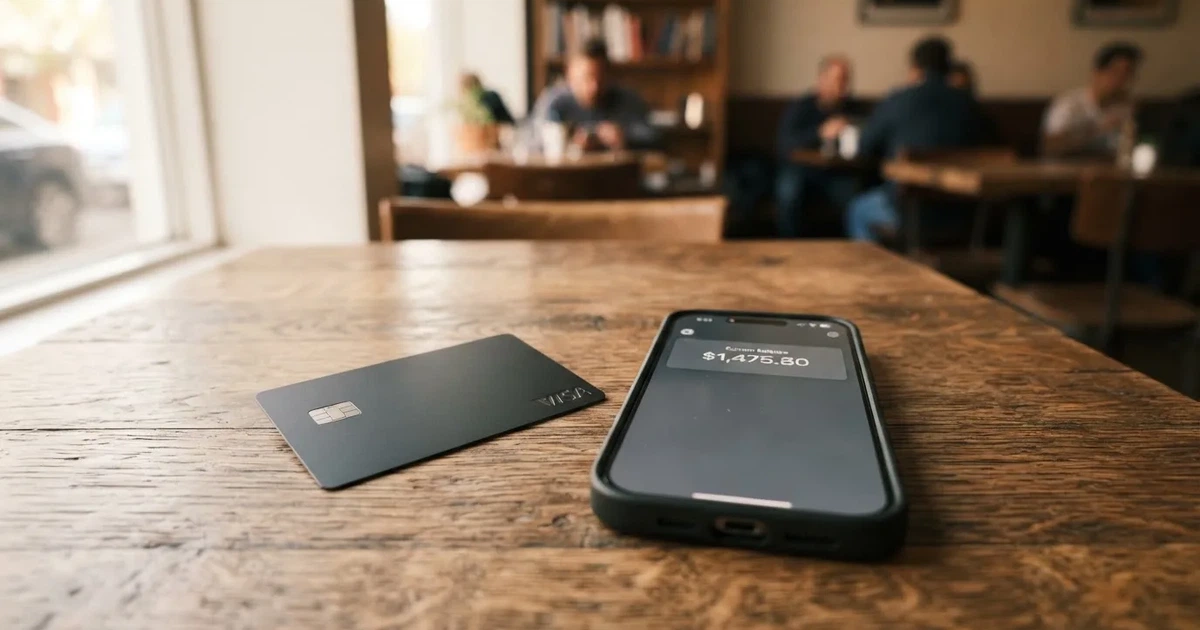
If you are looking for a bank you can trust with a long track record, this is not that. The product launched on 12 June 2026, no Trustpilot page or Reddit discussion could be found under this name, the issuing institution is not named, and no licences are named. It is a young product from a young company, and the phrase that appears throughout its own material — “available in select jurisdictions” — is doing a lot of work.
My score for it is 6.5 / 10. That is not a rejection. It is a card that does the basic job at a price hard to beat, attached to a provider that has not yet been through a real cycle of complaints, closures or scrutiny.
The conditions described here are current as of October 28, 2026.
| Criterion | Mark | Why |
|---|---|---|
| Who can get it | 5 / 10 | Depends on country of residence, no list published, “available in select jurisdictions”, countries under comprehensive sanctions barred |
| Cost | 7 / 10 | Virtual $8 a year, physical $80 a year, no monthly fee, USD payments 0%, FX 0.5% in the fee article (1.5% on the marketing page), ATM $1 + 1% |
| Top-up options | 6 / 10 | USDT and USDC to the KOSH wallet, deposit free, no minimum and no maximum, networks not named |
| Reliability and complaints | 6 / 10 | Piers Technology Inc, issuer not named, licences not named; no complaints or reviews found, launched June 2026 |
| Everyday use | 9 / 10 | Virtual and physical Visa, Apple Pay and Google Pay, $250 per ATM transaction with the physical card |
| Total | 6.5 / 10 | Strong on price and daily use, thin on transparency and track record |
The KOSH Global card suits you if you want a cheap virtual Visa funded with stablecoins, you are comfortable with a custodial setup where the provider holds your funds, and you mostly spend in USD-priced things rather than local currency. It does not suit you if you need a named regulated issuer in your own jurisdiction, a long public history, or fee-free spending abroad — the conversion fee is where the money goes.
Will they give you the card
Yes, probably, but you will not be able to check a list first, because there is not one.
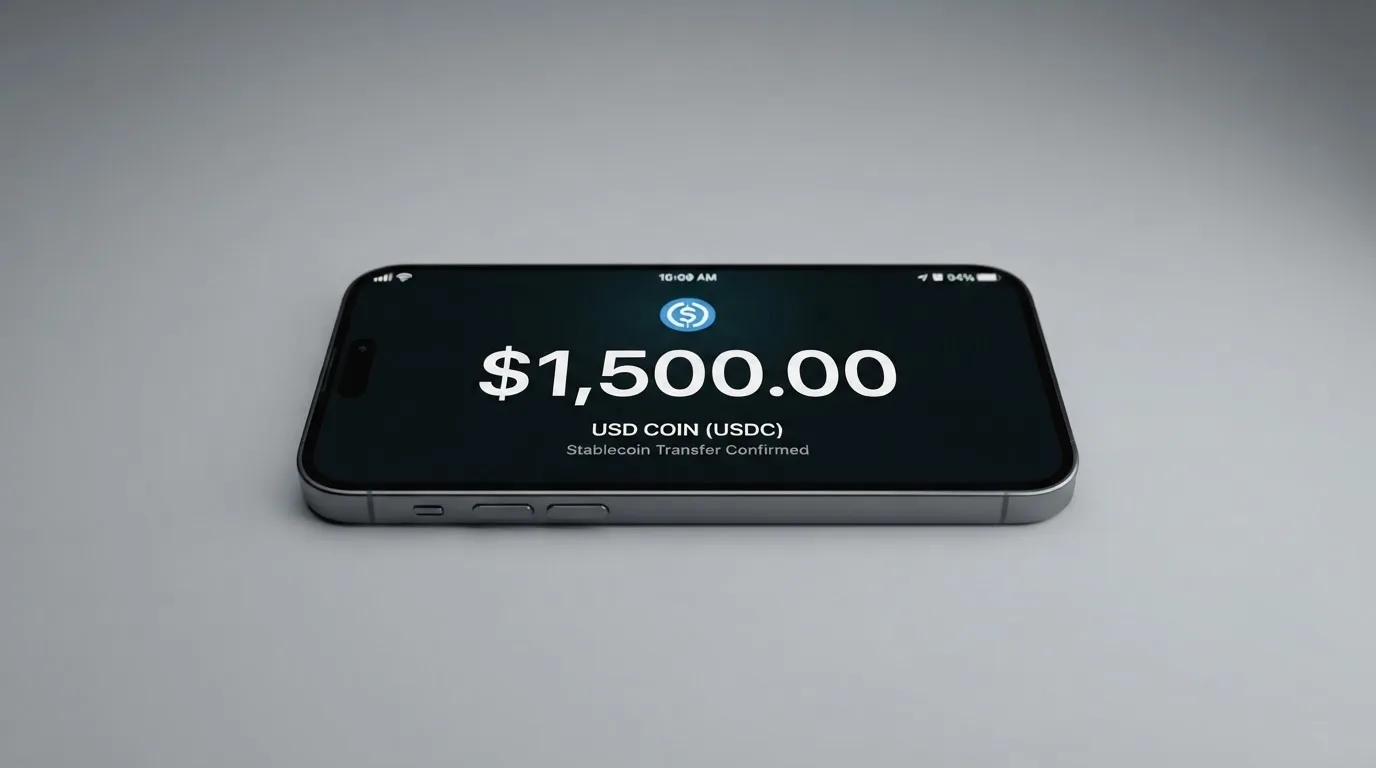
Eligibility depends on your country of residence, not simply on where you are. The card option in the Cards section appears only if “the card is available in your region”, and no country list is published. If your region turns out to be unsupported, the stated option is to join an early-access list through in-app chat. So the honest answer to “is the KOSH Global card available in my country” is: nobody outside the company can tell you in advance.
There is one useful exception for people in places where the card itself is not offered. A physical card “can be shipped to some regions where the card isn’t supported” — India is the example given in the card’s own material. If you are in a country that is not on the supported list for the card, a physical one may still reach you, which blurs the line between “not available here” and “not issued here”. Whether that is a good idea for you is a separate question, because the terms still govern you.
What is clear is where the card stops. The terms bar users located in, or transacting with, jurisdictions under “comprehensive sanctions or embargoes”, and no specific country is named in that sentence. This is standard and not aimed at anyone in particular. For merchants, the marketing material claims the Visa is accepted in 180+ countries — which is a statement about acceptance, not about your ability to hold the card.
The practical order is: check whether the Cards section shows you a card, and if it does not, ask in chat before you go further. Nobody needs to guess.
How to get it
The path is short and conventional: create a KOSH account, pass identity verification, then order the virtual card from the Cards section and add the physical one if you want it.
Identity verification means a government-issued ID plus a selfie or liveness check, handled by Sumsub, a verification partner. The marketing material also mentions a recent bank statement. The help article does not mention proof of address. There is a single personal KYC level — ID and selfie — and approval usually takes 5–10 minutes. If you did your verification in 2025 or earlier, it has to be submitted again. There is a separate KYB process for businesses, which tells you the corporate side exists but nothing about your personal timeline.
The card itself is a Visa, available as a virtual card or as a physical metal card which the marketing page says is “shipped worldwide”. The card currency is USD, and that single fact explains most of what follows in the fees section.
Delivery of the physical card is express, up to 10 business days with tracking, at $80. Which countries it ships to is not listed, the cost of a replacement is not stated, and activation happens in the Cards section. You are at least 18, per the terms.
One thing worth knowing before you apply: rejection reasons are not published publicly — a separate article exists on the topic — so if you are refused, you will have to ask support rather than self-diagnose.
Fees: what it really costs
The headline numbers are genuinely good. The confusion is in the currency fee, where the card’s own two pages disagree.
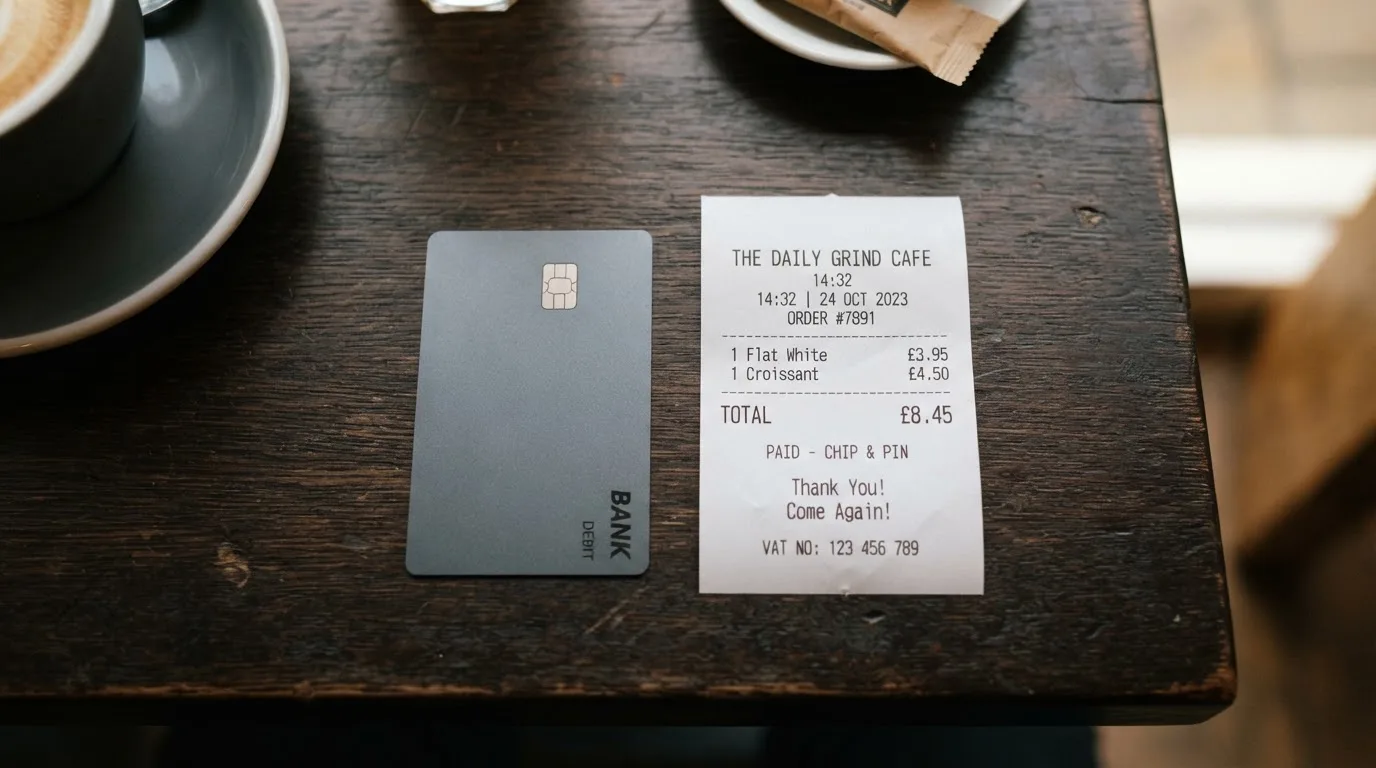
| Fee or limit | Value |
|---|---|
| Virtual card, per year | $8 |
| Physical card, per year | $80 |
| Monthly fee | None |
| Express shipping (physical) | $80 |
| Card authorisation | Free |
| USD transactions | 0% |
| Foreign-exchange fee | 0.5% “added FX” in the help-centre fee article; 1.5% per foreign-currency transaction on the marketing page |
| USDC / USDT deposit or settlement | Free |
| ATM withdrawal | $1 + 1% + applicable FX |
| ATM balance inquiry | $1 |
| Declined ATM transaction | $1 |
| ATM per transaction | $250 |
| ATM per day | 3 transactions, no weekly or monthly limit |
| Card spending | Limits you set in the app, no fixed caps published |
| Top-up | No strict minimum or maximum |
| Dispute request | $30 |
There is only one tier of card — the KOSH Everyday Card, virtual or physical. There is no Visa Concierge and no lounge access to weigh against the fee, so what you are comparing is simply $8 against $80.
Now the three everyday payments, because that is where the fee table stops being a list and starts being arithmetic you care about.
A $20 subscription in USD. No conversion, so 0%. Nothing is added to the price. This is the clean case, and it is why people like this card.
A €30 dinner paid in euro. This is where the two published numbers collide. At 0.5% the card adds about $0.15; at 1.5% it adds about $0.45. I cannot tell you which will be charged, because the help-centre fee article and the marketing page state different figures. Assume the higher one until you have seen your own statement. If you can pay in USD instead, ask — the card’s own help section has an article titled “Should I pay in USD or the local currency?”, and paying in the card currency is generally how you avoid the conversion charge.
A $100 cash withdrawal in cash. $1 + 1% is $2, plus whatever the exchange rate costs you, plus whatever the ATM operator adds on top. The ATM operator’s own fee is separate and outside the card’s control. There is no free allowance mentioned anywhere, so every cash withdrawal is charged.
There is one more limit that shapes daily life more than the fees do: this card cannot overdraw. It spends only what you have loaded, so there is no debt, no interest, and no bill arriving later. That is a genuine comfort and also a genuine constraint — if you empty the balance mid-month, the card simply declines.
The honest summary on cost: this is one of the cheaper ways to hold a working Visa, and the only place the price becomes noticeable is currency conversion, where the published figures conflict.
How to top it up
Topping up means sending USDT or USDC to the KOSH wallet; the card then spends from that balance.
The deposit itself is free, with no minimum and no maximum stated. Networks are not specified in the article, which is the one detail I would want answered before sending anything. Your balance updates 5–10 minutes after on-chain confirmation.
You can also go the other way. The card balance can be moved back to the KOSH wallet in the same stablecoin you used to load it, but only your own added funds — welcome bonuses, referral rewards and cashback are excluded. No fee is stated for that return transfer, and what happens to a remaining balance when you close the account is not stated either. You can close the account from the dashboard or through support.
There is a fiat route as well: a virtual USD account, funded by ACH or wire to a KOSH USD account, which settles as stablecoin. Fees for that route are not stated.
Three things to keep in mind. First, transfers on a blockchain are irreversible — a deposit sent on a network the provider does not support, or to an address belonging to a different network, can be lost or need manual recovery with no guarantee. Second, on-chain network fees are charged by the blockchain, not by the card company, so you need the network’s own token in the wallet to make a transfer work. Third, USDT and USDC are the two stablecoins Circle and Tether back, and between them they account for about 90% of stablecoin market capitalisation, but they exist on many different networks — Ethereum, Tron, Solana, Polygon, Avalanche and others — and not every combination works everywhere. Circle stopped supporting USDC on Tron in February 2024, so “USDC over TRC20” is not a native option here.
Send a small test amount first, on a network you have confirmed with support, then the rest.
Paying with it every day
This is where the card scores best, and where it is genuinely useful rather than merely cheap.
Both the virtual and the physical Visa work. Apple Pay is supported wherever Apple Pay exists in your country; Google Pay is advertised on the marketing page as working “in two taps”, though the help article does not cover it. There are iOS and Android apps, and I did not read store ratings.
In-app controls are the ones you will actually use: freeze and unfreeze the card instantly, set spending limits, and lock the card to particular categories or merchants. Which merchant categories are blocked by default is not stated, so assume nothing is blocked until you look — and if you are going to try it somewhere sensitive, set a category lock first rather than finding out at the till.
Rewards are advertised on the marketing page as 10% reward points on eligible purchases, 5% cashback on hotel bookings and $5 per referral, all “subject to program terms”. The help-centre fee article lists the 10% reward points as “coming soon”. So treat the rewards as something to read about later rather than a reason to choose this card now.
Disputes work in the standard order: contact the merchant first, then send evidence to KOSH through in-app chat or email, and KOSH files through its card partner over the Visa network. There is a $30 fee per dispute request and investigations typically run 30–90 days. That fee is worth knowing before you decide whether a $40 mistake is worth chasing.
One structural note that explains the occasional decline. This is a prepaid-style card drawing on a stored balance, and the issuer behind it is not named publicly. Some merchants decline prepaid or foreign-issued cards because the issuer lookup reveals the card type and country, and address verification services are mainly offered in the US, Canada and the UK and are generally unavailable for foreign-issued cards. If a payment is declined, this is often why, and it is not a fault in your card.
What can go wrong
Nothing has gone wrong yet, in the sense that nobody has reported it — and that is itself the risk.
I found no official incidents. I also found no user reports: searches for reviews returned no Trustpilot page and no Reddit threads for KOSH under this name, only an unrelated company, and comparison sites show no reviews. The product launched on 12 June 2026. A third-party listing also suggests signups currently route through a partner platform ahead of a planned relaunch under the KOSH brand, formerly CopperX. Both of these are unofficial and not confirmed by the card.
The company behind it is Piers Technology Inc, described in its own material as “a financial technology company, not a bank or a money services business”, delivering services via “licensed partners”. The issuer is “the regulated financial institution selected for the Card Program” — not named. No licences are named. The terms are governed by Delaware law with arbitration in New York.
That single unnamed issuer is the structural thing to hold in mind. A Visa card is not issued by Visa; Visa licenses the issuer and can suspend the programme. Visa and Mastercard do not issue crypto cards to consumers themselves, and there is precedent: in November 2022 Visa said it had “terminated our global agreements with FTX”, and the FTX US debit card programme was wound down. In 2018 Visa suspended WaveCrest in Europe, closing all WaveCrest-issued Visa programmes. Closures follow a pattern — a notice period, then spending and loading stop, then you are asked to withdraw what is left. Treat your loaded balance as money you may need to move back quickly, and note that the return transfer is free of a stated fee but excludes bonuses and rewards.
On custody: this card is custodial. Your funds are held against the KOSH USD balance, which means you are trusting the provider with the private key, not the other way round. A seed phrase is an unencrypted private key, and anyone who obtains it can restore the wallet and spend everything. Transfers are irreversible with no built-in recovery. And the custodian record is not reassuring in the wider industry: Mt. Gox (about US$350 million reported stolen 2011–2014), Coincheck (about US$400 million, 2018), Ronin Network (US$625 million, 2022). None of that is about KOSH specifically — it is the category’s base rate.
What you do get is controls: instant freeze, spending limits, category and merchant locks, and help articles on lost or stolen cards and suspicious activity. Two-factor authentication is not stated, and neither is any safeguarding or segregation of customer funds. If safeguarding matters to you, ask before you load.
One more thing worth checking for yourself. Cards of this type are frequently restricted by merchant category: MCC 7995 covers gambling, and many issuers block it by policy rather than by law, with the blocked list varying by issuer. Blocked categories here are not stated.
Support is a help centre at support.koshmoney.com, in-app chat and an email address. Languages and hours are not stated; the help centre I saw was in English.
What to take instead
If the KOSH card’s price is not the deciding factor, the category has other options with different trade-offs. Here is how they compare, and I have scored them on the same basis.
| Card | Score | Availability | Cost and fees | Funding |
|---|---|---|---|---|
| KOSH Global | 6.5 / 10 | Depends on country of residence, no list published, “select jurisdictions” | Virtual $8/year, physical $80/year, no monthly fee, USD 0%, FX 0.5% or 1.5% depending on page | USDT and USDC to the KOSH wallet, free, no minimum or maximum |
| Stella | 6.5 / 10 | Countries not stated; terms bar sanctioned users, route US and European users through affiliates | Not stated | Deposit crypto into the account, which automatically tops up the card |
| Whop Cards | 5.2 / 10 | 31 US states for consumers, 41 for businesses; long list of unsupported countries | “No extra fees”, no amounts listed | Spends from a Whop balance, backed by stablecoin collateral from a linked wallet |
| UniFi Card | 4.7 / 10 | Not confirmed from official pages; app lists routes to Philippines, Mexico, eurozone, Colombia, Brazil, UK | Not stated (“Fees may apply”) | ACH, wire, SEPA (IBAN), SPEI (CLABE); get paid to a USDC wallet |
Stella matches KOSH on score and beats it on one point: virtual and physical cards, accepted at “over 40 million VISA merchants globally”, with depositing crypto that automatically tops up the card. It loses on transparency — its fees are “described under this User Agreement and/or on the App” rather than published explicitly, and its country list is not stated either. It also states no card cashback, with an earn product kept separate.
Whop Cards is a card for a different use case: it spends from a Whop balance, which can be used as soon as a payment arrives while standard withdrawals wait for settled funds. Availability is unusually specific — 31 named US states for consumers (Alabama through Wyoming) and 41 for businesses — with a long exclusion list including Belarus, China (Mainland), Cuba, Hong Kong, India, Iran, Iraq, Israel, Myanmar, Nepal, Nicaragua, North Korea, Russia, Syria, Turkey, Ukraine, Venezuela and Vietnam. Whether the test is citizenship or residence is not stated. It says “no extra fees” without listing amounts, and offers 5% cashback at select merchants, currently Uber, with payout currency and conditions not stated.
UniFi Card is the least clear of the three. It is described as a “Prepaid Debit Visa Card” issued by Lead Bank, with Apple Pay support and a USD balance. Costs are simply “not stated” on the pages I could confirm, and availability rests on app-store listings rather than official pages — routes to the Philippines, Mexico and the eurozone, with Colombia, Brazil and the UK mentioned in release notes. Coins and networks beyond USDC are not stated, and a “3% rewards on balances” claim comes from the listing rather than an official page.
Comparing these four cards: none publishes a country list as cleanly as Whop, none publishes fees as clearly as KOSH’s help-centre article, and none has a review history. This is a young category, and choosing between them is largely choosing which trade-off you can live with.
Who I would recommend it to
I would recommend the KOSH Global card to someone in this position: you already hold USDT or USDC, an ordinary bank card is not available to you, and you want a Visa that costs $8 a year, charges nothing on USD spending, and tops up from crypto without a minimum. If you mostly pay in dollar-denominated subscriptions and online services, and you understand that your balance is custodial and can be moved back to your wallet, this card does that job well for $8.
I would point you elsewhere if any of these apply:
- You need a named, regulated issuer in your own country. The issuer here is not named, and no licences are.
- You are spending heavily in local currency. The conversion fee is the one genuine cost, and the two published figures disagree.
- You rely on cash. $1 + 1% plus the ATM operator’s own fee, with $250 per withdrawal and three a day, is not a cash card.
- You want a track record. It launched on 12 June 2026 and has no reviews under this name.
- You want to keep bonuses or rewards in your balance. They cannot be withdrawn back to the wallet.
- You are in a sanctioned or embargoed jurisdiction. The terms exclude you.
The card is cheap, the daily mechanics are good, and the sum is honest: a well-priced tool attached to a provider that has not yet proved itself. Load small, test a withdrawal path early, and move your balance back if you stop using it.
Frequently asked questions
What is the KOSH Global card?
The KOSH Global card is a Visa, available as a virtual card or a physical metal card, that spends a balance you load with stablecoins. The card is USD-denominated and draws on funds held in a custodial KOSH wallet rather than a bank account. It is issued by Piers Technology Inc through licensed partners, and the marketing material claims acceptance at Visa merchants in 180+ countries.
How does the KOSH Global card work?
You create a KOSH account, pass identity verification, and order the card from the Cards section. You then send USDT or USDC to your KOSH wallet, and the card spends that balance — 5–10 minutes after on-chain confirmation. Because it draws on a stored balance, it cannot overdraw: no debt, no interest, no bill arriving later.
Is KOSH Global a bank?
No. Piers Technology Inc describes itself as “a financial technology company, not a bank or a money services business”, delivering services through licensed partners. The card’s issuer is described only as “the regulated financial institution selected for the Card Program” and is not named, and no licences are named.
Who can get the KOSH Global card?
Eligibility depends on your country of residence, and no country list is published — the card option appears only if it is available in your region. Unsupported users can join an early-access list via in-app chat, though a physical card can ship to some regions where the card is not supported, India being the example given.
Does the KOSH Global card require KYC?
Yes. It requires a government-issued ID plus a selfie or liveness check through Sumsub, and the marketing material also mentions a recent bank statement. You must be at least 18. Approval usually takes 5–10 minutes, and verification done in 2025 or earlier must be resubmitted.
How much does the KOSH Global card cost?
The virtual card is $8 per year and the physical card $80 per year, with no monthly fee. USD transactions are 0%, card authorisation is free, and USDC or USDT deposits are free. Express shipping for the physical card is $80.
What are the fees when I spend in another currency?
The published figures conflict: the help-centre fee article says 0.5% added FX, while the marketing page says 1.5% per foreign-currency transaction. Plan for the higher number. Paying in USD rather than the local currency is generally how you avoid it, and the card’s own help section has an article on that choice.
How do I top up the KOSH Global card, and which network should I use?
You send USDT or USDC to the KOSH wallet; the deposit is free with no minimum and no maximum. Networks are not specified in the article, which is why a small test transfer is worth sending first — transfers are irreversible, and a deposit on an unsupported network can be lost. You can also fund via ACH or wire to a virtual USD account.
Can I use the card at ATMs and how much can I withdraw?
Only the physical card works at ATMs — virtual cards cannot. Withdrawals cost $1 + 1% plus the applicable FX, and the ATM operator may add its own fee. The limit is $250 per transaction and three transactions per day, with no weekly or monthly cap. A balance inquiry or a declined transaction costs $1.
Is the KOSH Global card safe, and can I get my money back?
The card is custodial, so the provider holds the funds and you trust it completely; two-factor authentication and any safeguarding of customer funds are not stated. You can freeze the card, set limits and lock categories in-app. You can move your added funds back to the wallet in the same stablecoin, though bonuses, referral rewards and cashback cannot be withdrawn.
Highest-scored app and neobank cards – cryptocardbest.com
Content created by the «cryptocardbest.com» team