
A flexible virtual crypto card with free issuance, a wide coin list and an unresolved fee conflict
 Available in US
RivoCard is a virtual prepaid card you load from a crypto balance and spend like an ordinary Visa or Mastercard. The idea is simple and, on paper, appealing: no bank account, no monthly fee, a long list of coins, and a card issued in about a minute. But when I went through the card’s own pages and the complaints people have published, the picture is more uneven than the marketing suggests — the fee page and the terms contradict each other on the two charges that matter most, the issuer is never named, and some users report cards stuck in “Pending” for weeks with money already sent.
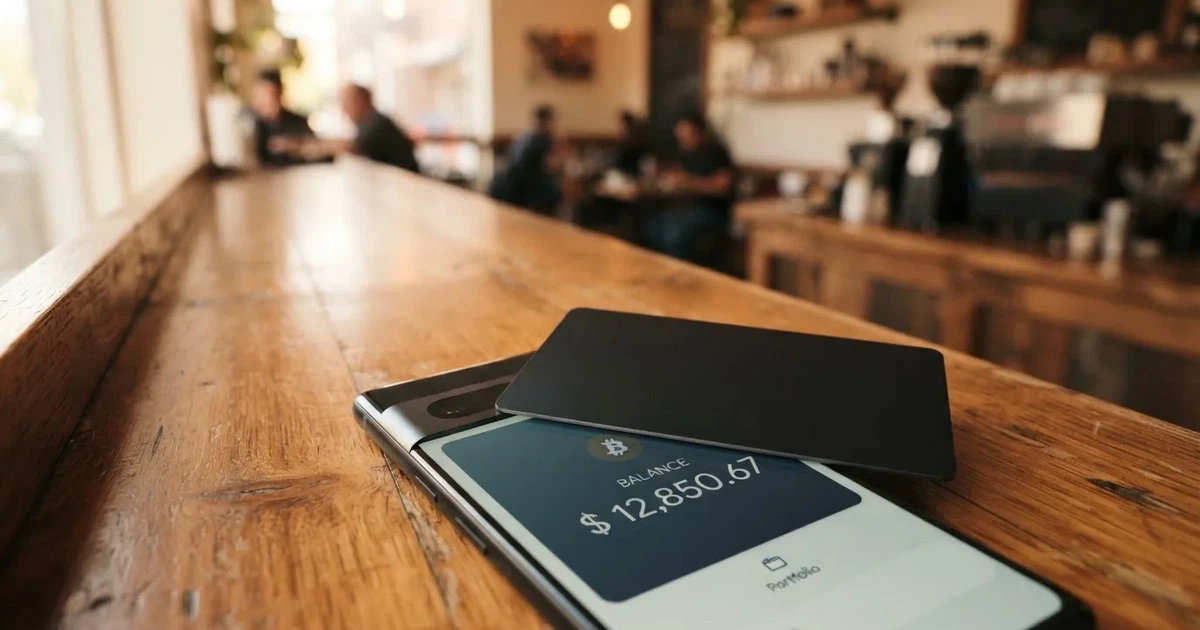
My score for RivoCard is 5.4 out of 10. That is not a dismissal. For one particular person it is a genuinely good card, and I’ll say who that is in a moment. For everyone else the free issuance is a bit of a trap, because the money is not free — you pay on the way in.
Conditions are current as of October 28, 2026.
The verdict: 5.4 out of 10, and it suits a very specific person
Let me start with the answer, because you should know what you’re deciding before you read the details. RivoCard scores 5.4 / 10. It is an unusually open card — almost anyone can get one — with an unusually wide range of ways to fund it, wrapped in fee terms that the card itself contradicts. In its favour: eligibility is near-universal, the coin list is long, and online shopping is free. Against it: the two fees you cannot avoid are the ones the card is vague about, there is no app, no named bank behind it, and the public complaint record includes slow support and stuck funds.
Who does it suit? The card fits someone who already holds crypto, wants to spend it online through a virtual card number, and does not mind converting into a stored balance rather than tapping a bank account. If your coins are spread across a dozen networks and you want one card number to spend them all, that flexibility is the reason to look here.
Who does it not suit? If you want a physical card, a mainstream app with instant notifications, or clear published fees you can rely on, this is the wrong card. If you need Apple Pay or Google Pay — the obvious reason most people want a virtual card — the card’s own pages never mention them. And if your priority is knowing exactly what a card payment costs in your own currency, the card does not tell you.
Here is how the score breaks down, criterion by criterion, so you can weigh the parts that matter to you rather than taking the total as a verdict on your life.
| Criterion | Mark | Why |
|---|---|---|
| Who can get it | 9 / 10 | Global reach: 150+ countries, age 18+, no country list published; terms ban circumventing OFAC, EU and UN sanctions |
| Cost | 2 / 10 | Issuance and servicing are free, but top-up is 5% (10% in the terms), card creation 10% in the terms; online purchases 0% |
| Top-up options | 9 / 10 | BTC, USDT (TRC20/ERC20), ETH (ERC20), XMR, LTC, USDC, DASH, SOL (SPL); the site claims 50+ assets |
| Reliability and complaints | 4 / 10 | Rivocard LTD with no registration details or named issuer; reports of cards “Pending” for weeks and unanswered support; Trustpilot 3.9/5 from 12 reviews in a year |
| Everyday use | 3 / 10 | Virtual only, on Visa or Mastercard, issued in about 60 seconds; Apple Pay and Google Pay not mentioned on the site; unofficial: ATM without commission |
Read that “everyday use” row again later — it is the weakest mark on the card, and it is the one that decides whether the card is a daily tool or an occasional one.
Will they give you the card? Almost certainly, yes
The eligibility answer here is genuinely good news, and it is the card’s strongest single feature. On an earlier check the card described itself as global, reaching 150+ countries with an age requirement of 18+. Its own terms set the same floor: at least 18, no country list published. So there is no “available in your country?” puzzle to solve — there simply is not a published list to puzzle over. That cuts both ways, and I’ll come back to it in the risks section, because a card that names no country and names no issuer is also a card that tells you very little about who stands behind it.
The one hard line the card does draw is the law. The terms prohibit circumventing sanctions programmes — OFAC, the EU and the UN. That is not a technicality to design around; it is the boundary of the card, stated plainly.
So: if you are 18 or over, you are in the card’s intended audience almost wherever you live. The question is not whether they’ll issue it to you. The question is what happens after, and that’s where the rest of this review lives.
How to get it: sign up, fund, and the card appears
The getting-started sequence the card describes is short. Sign up, fund the account, and a virtual card is issued in under 60 seconds — more precisely, in about 30 to 60 seconds. There is no waiting for a physical card in the post, because there is no physical card: this is virtual only.
That “virtual only” matters more than it sounds. A virtual card is a card number, an expiry date and a security code, with no plastic. It works for online payments, and many merchants accept it in person too, but you cannot hand it to a waiter, and you cannot tap it against a terminal without first putting it in a phone wallet — which, as I’ll get to, the card doesn’t mention.
On identity checks, the card uses a soft sell. The site talks about “optional identity verification tiers” and contrasts a “Flexible” approach with competitors’ “Extensive Documenting”. What documents you’d need, and whether proof of address is required, the card does not state. The practical effect is that basic use is not gated behind a document upload, but the higher your verification tier, the higher your limits — so if you want large spending, you may be pushed into the KYC ladder later. Which tier you land on, and what each is called, is on the card’s side of this line; what you can read about the verification tiers is in the costs section, because that’s where limits live.
In short, the application itself is frictionless by design. That frictionlessness is the product — and it is also, as the risks section shows, exactly what makes a dispute hard to win later.
Fees and costs: issuance is free, so where does the money actually go?
Here is the part that should make you pause, and it starts with a contradiction rather than a number. The card’s own fees page says card creation and issuance are free, there is no monthly or annual subscription, card replacement is free, and closing the account is free. But the terms page says card creation costs 10%. Two pages of the same website, two different answers, on the one charge you pay before anything else. I am not going to guess which is right; I am going to tell you the conflict exists and that you should find out before you create the card.
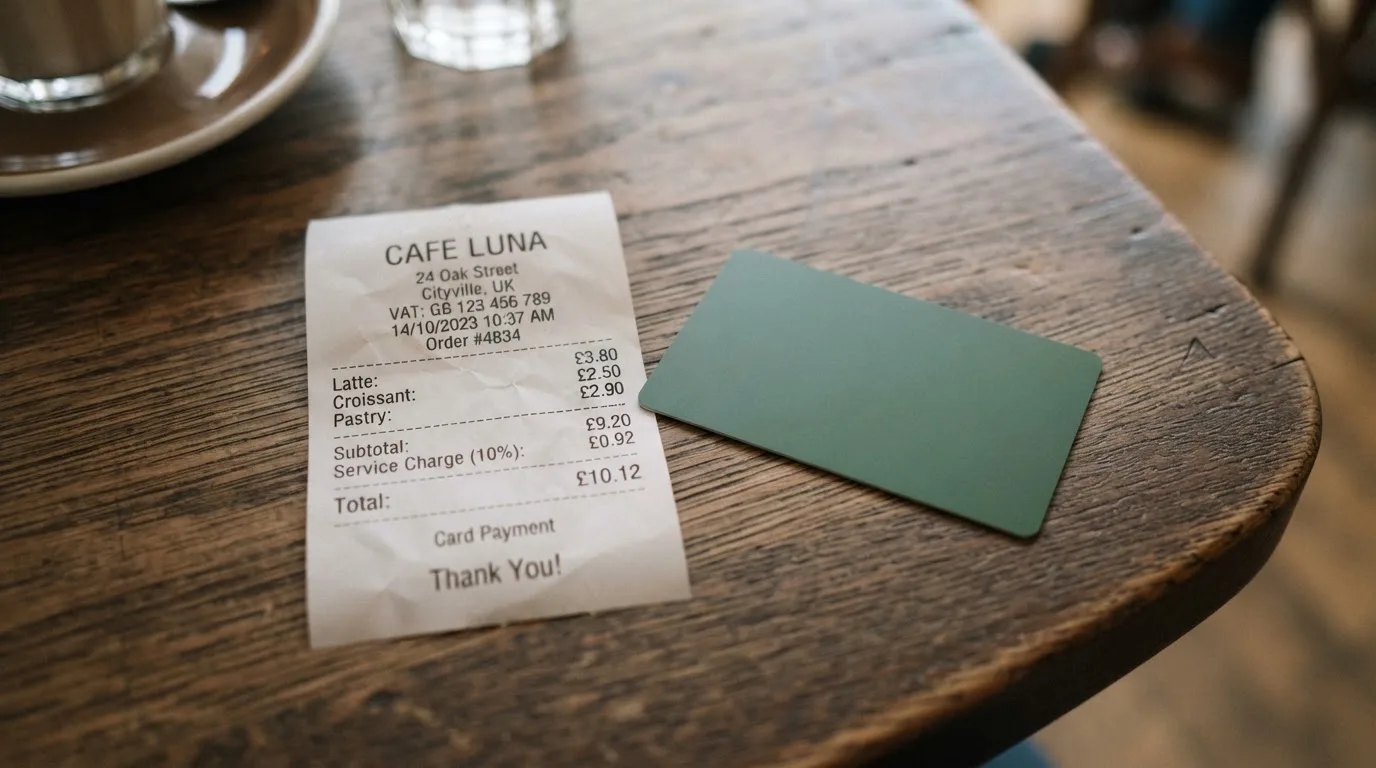
The fees table below takes the fees page as its starting point and marks where the terms disagree. Where a figure is missing, it is missing — the card does not state it, and I won’t fill the gap with a guess.
| Fee or limit | What the card says |
|---|---|
| Card creation / issuance | Free on the fees page; the terms page says 10% |
| Monthly or annual subscription | None |
| Card replacement | Free |
| Account cancellation | Free |
| Online and international purchases | 0% |
| Card top-up | 5% of the amount funded on the fees page; the terms page says 10%, non-refundable once processed |
| Conversion fee | Not stated |
| FX fee | Not stated |
| ATM fee | Not stated on official pages |
| Basic KYC limit | $20,000 per transaction/day/month/load on the fees page; the FAQ says $1,000/day |
| Full KYC limit | Unlimited on the fees page; the FAQ says $10,000/day with unlimited monthly spend |
| Enhanced KYC limit | Unlimited on the fees page; the FAQ says $50,000/day with unlimited monthly spend |
| Custom limits | Available by day, week or lifetime |
Read the top-up row again. A top-up is money moving from your crypto into the card’s balance, and that is where the card takes 5% — or 10%, by the terms’ account. Online spending itself is 0%, which sounds generous until you notice that the free part is the part you control least. You are not choosing to spend online; you are choosing to load.
Now the three everyday payments, and which fees actually touch them.
A monthly online subscription. Suppose you load $100 into the card. The top-up costs you $5 on the fees page, or $10 by the terms’ figure. Your $100 balance then covers the subscription at 0%. The conversion and FX fees are not stated, so if the merchant charges you in a currency other than your card’s, what the conversion costs you is something the card doesn’t publish.
An in-person purchase abroad. Same shape, but now the currency question bites harder, because an international purchase in a foreign currency is exactly where an FX or conversion fee would apply — and the card does not state one. You are spending at 0% on the purchase itself, but the cost of the currency change is undocumented.
A cash withdrawal. The official pages say nothing about ATM fees. Third-party sites report that ATM withdrawals are free and unlimited, but that is unofficial and not confirmed by the card. Treat “free ATM” as a claim to check, not a promise to rely on.
The wallet side complicates it further. The card holds multi-currency wallets in USD, EUR, GBP and JPY, but which currency a given card number actually carries is not stated per BIN — so you can’t be sure, from the card, what you’ll be spending in. On the limits: the fees page and the FAQ give two different sets of numbers (in the table above), and the card also offers custom limits by day, week or lifetime, which is the honest answer to a bad default. There is a “Premium Membership” page and optional verification tiers, but the card does not state what tiers cost or what they add.
My read: this is the card’s weakest area, and the score of 2 out of 10 for cost is really a score for honesty and predictability, not for expense. A free card that charges 5–10% to load and won’t say what conversion costs is not cheap; it’s just quiet about where the money goes.
How to Top up the card: many coins, one network rule
Funding is the card’s best feature after eligibility, and it’s what pushes top-up options to 9 out of 10. You deposit crypto to the card’s wallet, and then load the card from that balance. The named coins and networks are BTC, USDT (TRC20 or ERC20), ETH (ERC20), XMR, LTC, USDC, DASH and SOL (SPL), and the site claims more than 50 assets in total. The credit lands after the blockchain confirms the transaction.
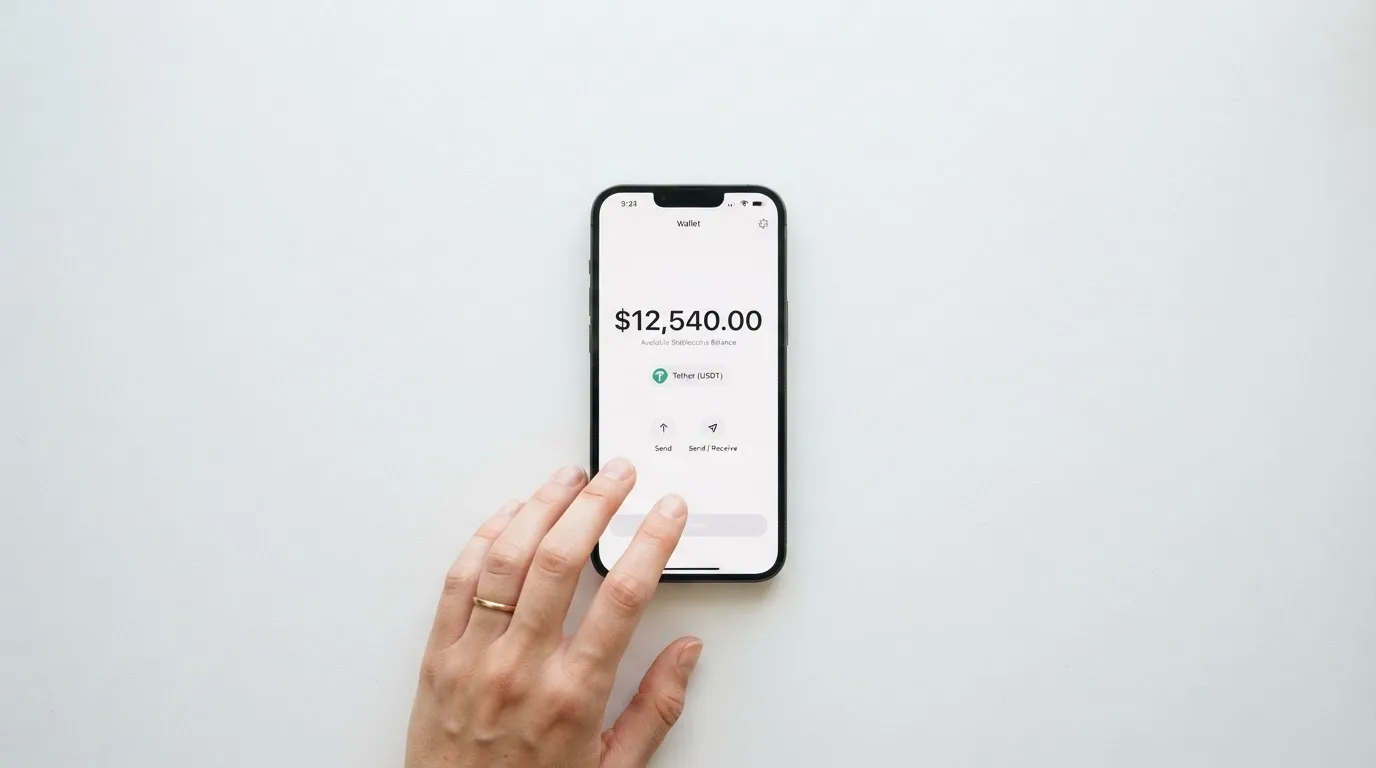
The cost side of funding is simpler and blunter. Depositing crypto to the wallet is free. Loading the card costs the top-up fee — 5% on the fees page, 10% in the terms, non-refundable once processed. The site shows “Starts From $50”, though it’s unclear whether that’s a true minimum or just the lowest shown amount. Network fees for the deposit are not stated by the card; in practice the blockchain charges them, not the card provider.
That network rule is the one thing to respect absolutely. A deposit sent on a network the provider does not support, or to an address belonging to a different network, can be lost or need manual support recovery with no guarantee — blockchain transfers are irreversible. The card names the networks it supports; send on one of those and no other. If you’re sending USDC over Tron, note that USDC is no longer natively supported on Tron, so that pairing needs checking before you press send, not after.
Getting money back out is described in the same spirit. Crypto withdrawal (USDT, BTC, ETH) is described as instant. Bank transfer (SEPA, SWIFT, ACH) takes 1–2 days. The service runs 24/7 with no lock-in period. Withdrawal fees are not stated. And you can freeze or delete the card at any time — which, given the complaints in the next section, you should treat less as a convenience and more as a control you will want.
Paying with it every day: it works, but the wallets are missing
The honest summary of daily use is this: the card number works, the app does not exist, and the phone wallets you’d want aren’t mentioned. If your day involves tapping to pay in a shop or paying from your phone, this card is not set up for that — and it never says it is, which at least means no one misled you about it.
On the basics: it’s a virtual prepaid card on Visa or Mastercard, merchant-locked, single-use, reloadable. BINs are listed for the US, UK, Hong Kong and the EU. The card is issued in about 30 to 60 seconds, and Apple Pay and Google Pay are not mentioned anywhere on the official pages. A third-party spec table claims both are supported, while the same site’s list of drawbacks says neither — a contradiction from an unofficial source, so treat the wallets as unconfirmed either way. There’s a web dashboard, but no app listing was found. No cashback is stated on the official pages, though again a third party reports 2% cashback and a $3 referral bonus; unofficial, unconfirmed.
If something goes wrong with a payment, the card routes it through a Report Issue page and says it resolves within one business day — but it also says it is not responsible for merchant-side disputes. Top-up fees are non-refundable once processed. The refund policy lives at its own page. Which merchant categories are blocked is not stated.
Why do the wallets matter so much? A virtual card’s main practical use is usually online payment, but its second use is in a phone wallet, and the card doesn’t claim that one. And the merchant-category detail is worth knowing as background: a card can be refused for a category not because of anything you did but because of how the card was issued. Merchants can look up the issuing institution and country from the card number, and some apply extra scrutiny when the issuer country differs from the billing address — which is the ordinary reason a card issued in one country looks “foreign” in a shop in another. Some merchants decline prepaid or foreign-issued cards for exactly this reason. None of that is RivoCard’s fault, but it is part of what “everyday use” means for a card like this.
What can go wrong: the issuer is unnamed, and the complaints are about stuck funds and silence
This is where the score drops hardest, and I want to be straight with you about it. Reliability and complaints scores 4 out of 10, and most of that score comes from two things: nobody will tell you who is actually behind the card, and the people who have had trouble say they were left waiting.
On the company: the card is operated by Rivocard LTD. Its registration details are not stated. The card describes itself as a “financial technology platform, not a bank”, and says its cards are issued by licensed third-party partners — which it does not name. That matters more than it sounds. A card payment passes through several parties: the network (Visa or Mastercard) routes the messages and sets the rules, the issuer is the bank or e-money institution actually licensed to issue the card, and the crypto brand is often just the front-end and programme manager. When you ask “is this card safe,” the answer often lives with the issuer. Here, the issuer is unnamed. It doesn’t mean something is wrong; it means you can’t check.
The safeguards the card does advertise are real and sensible: a card freeze, a one-click kill switch, and real-time spending limits. It also says the platform is not a bank. What it does not say is how your crypto is held — the terms don’t address custody — and whether two-factor authentication is on is not stated. Those two gaps are worth asking about before you put real money in.
The complaint record is the other half of this section, and it’s the part that should most affect your decision. I found no official incidents. But user reports from September to October 2026 include: slow or missing support replies; a card stuck in “Pending” for weeks after a $400 deposit, with the company saying it had no matching record; unclear fees; and one case where a company reply exposed a reviewer’s email address. On Trustpilot the card sits at 3.9 out of 5 from 12 reviews in the last 12 months, with the themes clustering around slow or missing support, a stuck card and stuck funds, and fees nobody could explain clearly.
Support itself is described as 24/7 live chat, a Telegram group, email and a contact form with replies promised within 24 hours on business days, plus a knowledge base and an enterprise ticketing system. That’s a generous list. The reviews are about whether that list delivers.
Two of these deserve a second look from you specifically. The “Pending for weeks” report matters because the card’s own selling point is speed — 30 to 60 seconds — and a card that sits pending for weeks after you’ve already sent money sits in exactly the wrong place. And the email-exposure report matters because it’s a data-handling signal: if a support reply can quote your email address back to the wrong person, that’s worth knowing before you rely on this card for anything you can’t afford to misplace.
None of this means RivoCard is a bad actor. It means the evidence a cautious person would want — a named issuer, a custody statement, a 2FA promise, published conversion fees, a support desk that answers — is mostly not there. In the EU, a licensed e-money institution must safeguard customer funds in dedicated accounts or by insurance, and such funds are not bank deposits and may not sit under a deposit guarantee scheme; a card that tells you it is a technology platform, not a bank, is telling you some of that protection may not apply. Whether RivoCard’s unnamed issuer holds a relevant licence is something you can only learn by asking — which is exactly why I’d ask before funding it.
What to take instead
If RivoCard’s weak spots — the fee contradiction, no app, no named issuer — are the dealbreakers for you, here are three alternatives I looked at, and honestly, none of them is dramatically better. This is a thin, awkward corner of the market.
Cardex scores 5.6 out of 10 — fractionally ahead of RivoCard. It advertises one crypto card in 200+ countries, with no country list or exclusions, though its app listing is Naira-focused (you pay in Naira). It offers virtual and physical cards on VERVE, Visa, Mastercard and UnionPay. On cost, it says nothing stated plainly; on fees, it claims real-time crypto-to-fiat conversion at the moment of payment, with an “AI-Powered Conversion Rate” that scans exchange rates for the best one — but states no fee percentage at all. Funding is via USDT, USDC and BTC wallets, networks not stated. No rewards are stated.
TakeCard scores 5.5 out of 10. The physical card is “available only to Bolivian users for now”; a virtual card is available immediately. An article names Visa as the network; the card is issued in the US, prepaid, in USD 1:1. Pricing: virtual card USD 5; physical (Bolivia) USD 20 issuance plus USD 20 shipping — though another article in the same help centre says USD 10 for physical in Bolivia, so the card’s own numbers conflict. Fees: 1% commission per purchase; USD payments 1:1 with no currency adjustment, other currencies at the official Visa rate of the day; crypto conversion fee not stated. Funding is from the Takenos balance. No rewards are stated.
OkiCard scores 6.0 out of 10 — the highest of the four, and the most transparent on price. It claims 150+ countries (some pages say 200+), “no geo-blocking based on your passport”, and users must confirm they are not in a sanctioned jurisdiction. Virtual card, with a physical card mentioned but no details; the network is given only as “Visa/Mastercard”; the card currency is USD/EUR pegged. On cost the pages disagree: a pricing page says issuance $0 and monthly $0 with a starting price of $15 for the virtual card, while a FAQ mentions a one-time issuance fee — and an initial deposit of 100 USDT is required. Fees: 3% load fee, 0% transaction fee in USD, “no hidden exchange spreads”; FX fee not stated. Funding is USDT on BSC, Ethereum, Tron and Solana, with USDC “soon” and BTC and altcoins “coming soon”; deposits go to a generated address and are converted to fiat at the moment of spending. No cashback mentioned.
| Alternative | Score | Card | Where it clearly beats RivoCard | Where it clearly doesn’t |
|---|---|---|---|---|
| Cardex | 5.6 / 10 | Virtual and physical on VERVE, Visa, Mastercard, UnionPay | Physical card offered; Naira-focused app | States no fee percentage at all; Naira-only payment in the listing |
| TakeCard | 5.5 / 10 | Virtual everywhere, physical for Bolivia; Visa; USD | Cheapest entry (virtual USD 5); clear 1% purchase commission | Physical card is Bolivia-only; USD-only; its own price pages conflict |
| OkiCard | 6.0 / 10 | Virtual (physical mentioned); Visa/Mastercard; USD/EUR pegged | Most published pricing; 0% USD transaction fee; “no hidden spreads” | 3% load fee; 100 USDT minimum deposit; fewer coins (USDC/BTC “soon”) |
My read on the comparison: OkiCard is the most honest of the four on price, though it loads a higher percentage and supports fewer coins right now. TakeCard is the cheapest to start and has a real 1% purchase fee with no currency adjustment for USD, but it’s effectively a USD card and its physical option is Bolivia-only. Cardex is a coin flip with RivoCard on score but tells you even less about fees. None of the four publishes the one number that would settle the argument — what a purchase actually costs in your currency after conversion — which tells you something about the category as a whole.
Who I would recommend it to
So, who should actually take this card? Three groups, and only three.
First: someone who already sits in crypto, holds a spread of coins across networks, and wants a single virtual card number to spend online without a bank account in the way. The funding flexibility — nine named coins and networks, 50+ assets claimed — is real, and if you value topping up from whatever you happen to hold, that’s the card’s genuine strength.
Second: someone for whom eligibility is the whole problem. If ordinary bank cards are hard to get where you are, the fact that RivoCard sets no country list and an 18+ floor means it will probably not turn you away. In that light, the missing app and unmentioned wallets are luxuries you may not need.
Third: someone who will treat it as a small, controlled balance rather than a main card. If you fund it modestly, understand that the top-up fee is 5–10% and non-refundable, know that conversion and FX costs are unpublished, and keep your own record of deposits so a stuck-funds dispute is at least documented, the complaints in this review stop being a warning and become a cost of doing business.
And who should not? Anyone who needs a physical card, a reliable app with instant notifications, or Apple Pay or Google Pay. Anyone who wants published conversion fees before they commit money. And anyone who needs to know the name of the institution that issued their card and holds their balance — because this card will not tell them, and that is not a gap you should be willing to accept for real money.
My own test: before I funded this card, I would ask three questions in writing and keep the answers. What’s the conversion fee? Who is the issuer? What happens to my funds and my seed phrase if the platform goes down? A card that answers all three clearly, even at a higher load fee, would be a better card than this one. RivoCard, as it stands, doesn’t answer all three.
Frequently asked questions
What is the RivoCard card?
RivoCard is a virtual prepaid card you load from a crypto balance and spend like an ordinary Visa or Mastercard. You deposit crypto to the card’s wallet, then move it onto the card as a stored balance, and the card spends only that balance. It’s virtual only — there’s no plastic — issued in about 30 to 60 seconds, and the card describes itself as a technology platform, not a bank, with cards issued by unnamed licensed partners.
How does the RivoCard card work?
You sign up, fund the account with crypto, and a virtual card number is issued almost immediately. When you pay, the card draws on the stored balance rather than a bank account, so it can’t overdraw. Crypto is converted and loaded as fiat or stablecoin balance, and the card is merchant-locked, single-use and reloadable. Online and international purchases are charged at 0%, but the top-up itself costs 5% on the fees page.
Is RivoCard a bank, and who owns it?
No — the card says outright that it is a “financial technology platform, not a bank.” It’s operated by Rivocard LTD, whose registration details it does not publish, and the cards are issued by licensed third-party partners that are not named. That last point is the one to sit with: the institution that actually issued your card is not identified on the pages I’d read.
Who can get the RivoCard card, and in which countries?
On an earlier check the card described itself as global, reaching 150+ countries, and its terms set the age floor at 18 with no country list published. So there is no “available in my country?” list to work through — it’s open, subject to age. The one hard line the terms draw is that you may not circumvent sanctions programmes, including OFAC, EU and UN sanctions. Nobody is turned away for being abroad; nobody is offered a way around the law either.
How do I apply and activate the RivoCard card?
Sign up, fund the account, and the virtual card is issued in about 30 to 60 seconds — there’s no separate activation step or physical card to wait for. The site talks about “optional identity verification tiers” — Basic, Full and Enhanced — but it doesn’t state which documents you need or whether proof of address is required. You’ll pick up a tier as you go; what changes is your limit, not your ability to start.
Does the RivoCard card require KYC, and what are the limits?
KYC is described as optional rather than extensive, but the card attaches limits to the tiers and the two pages disagree. The fees page puts Basic KYC at $20,000 per transaction/day/month/load, with Full and Enhanced unlimited; the FAQ instead says Basic $1,000/day, Full $10,000/day and Enhanced $50,000/day with unlimited monthly spend. The card also offers custom limits by day, week or lifetime, which is the honest way to work around a bad default.
How do I top up the RivoCard card?
You deposit crypto to the card’s wallet, and the balance credits after the blockchain confirms. The named options are BTC, USDT (TRC20 or ERC20), ETH (ERC20), XMR, LTC, USDC, DASH and SOL (SPL), with the site claiming 50+ assets; the deposit itself is free. Then you load the card, which costs 5% on the fees page or 10% in the terms, non-refundable once processed. The site shows “Starts From $50”, though it’s unclear whether that’s a true minimum.
Can I add the RivoCard card to Apple Wallet or use it in a shop?
Neither is confirmed. Apple Pay and Google Pay are not mentioned on the card’s official pages at all, and one unofficial source contradicts itself — its spec table says both are supported while its drawbacks list says neither. The card is virtual only, so in person it depends on merchants accepting virtual cards. The card’s currencies (USD, EUR, GBP, JPY) don’t map cleanly to any wallet you’d add it to.
Is the RivoCard card safe for my money?
It advertises the right safeguards — card freeze, one-click kill switch, real-time spending limits — and a 24/7 support list. But it names no issuer, doesn’t address custody of your crypto in the terms, and doesn’t state whether two-factor authentication is offered. Trustpilot shows 3.9/5 from 12 reviews in the last year, with reports of a card stuck “Pending” for weeks after a $400 deposit and of slow support. Nothing here is a red flag, but nothing here is a guarantee either.
Is the RivoCard card free, and can I delete my account?
Issuance, servicing, replacement and account cancellation are all listed as free on the fees page — though the terms page contradicts the fees page by saying card creation costs 10%, which is a conflict worth resolving before you create anything. Online and international purchases are 0%. You can delete the card at any time. Withdrawal fees, conversion fees and FX fees are not stated, so treat “free” as free of subscription rather than free of all charges.
Highest-scored virtual cards – cryptocardbest.com
Content created by the «cryptocardbest.com» team