
The Pionex card is a spending card for people already holding USDT, not a bank account in disguise
 Available in US
The Pionex card is a prepaid-style payment card that spends a USDT balance through the Pionex app. It is not a bank card attached to a current account, and it is not a normal debit card: you load it yourself, it spends what you loaded, and what it costs depends on which network you were assigned. If you already sit on Pionex with a USDT balance and mostly spend in dollars or local currency, it is a workable tool. If you want an ordinary bank card that a shop will always accept, or you are starting from nothing, this is the wrong tool and I say so below with reasons.

The conditions described here are current as of October 28, 2026.
Verdict: 4.8 / 10 — a specialist card with real gaps
I scored the Pionex card 4.8 out of 10. The single biggest reason is not the fee level but the fact that only virtual cards are being issued right now, with the physical card rolled out “in phases.” Add to that a top-up method limited to one stablecoin, an unnamed issuing bank, a batch cancellation of inactive cards in August and September 2026, and a low Trustpilot score attached to the wider exchange, and you get a product that works as intended for a narrow group of users and quietly punishes anyone outside it.
Who it suits: Pionex trading-bot users who spend USDT balances, in regions where the card is open and the network assigned is Visa with reasonable fees. Who it does not suit: anyone who needs a physical card today, needs to load from a bank account, wants an ATM, wants multi-currency without a conversion charge, or is based somewhere the KYC country rules exclude them.
| Criterion | Mark | Why |
|---|---|---|
| Who can get it | 6 / 10 | Card type depends on the country of your completed KYC; no country list is published; users in restricted regions cannot apply |
| Cost | 6 / 10 | Annual fee and inactivity fee are both 0; Visa charges 1%, conversion is free; Mastercard charges “up to 3.5%”; no issuance fee is listed |
| Top-up options | 4 / 10 | USDT only, from your main Pionex account or an external wallet; networks not named, no fiat top-up |
| Reliability and complaints | 3 / 10 | Issuing bank not named; inactive cards cancelled in batches Aug–Sep 2026; Trustpilot 2.5/5 for the exchange over frozen withdrawals |
| Everyday use | 4 / 10 | Only virtual cards issued now; Apple Pay and Google Pay supported; no ATM on Mastercard |
| Total | 4.8 / 10 | A narrow specialist tool, not a general everyday card |
Read the rest of this page and you will see exactly which of those gaps would bite you.
Will they give you the card?
Mostly it comes down to which country your completed KYC says you are in — the card type you are offered depends on the country or region of your verified identity, not your citizenship. Pionex does not publish a full country list; the application page shows what applies to you. If you are in a region Pionex restricts, you cannot apply at all.
One concrete change to know: since 14 August 2026, new Visa applications from Belarus have stopped, and Belarus-verified applicants are offered a Mastercard instead. There is no Russia-specific rule about who may apply, but payments are declined at merchants registered in or operating from Afghanistan, Venezuela, Russia, Myanmar, Ukraine, North Korea, Iran and Belarus. That list is about where the merchant sits, not about you, so a card held by someone in an allowed country can still be refused at a Russian merchant.
Some of what you read online is unofficial and the card’s own pages do not confirm it. Third-party listings describe availability as “not available in some EU countries,” and the Pionex terms list France, the Netherlands and Spain as restricted — which sits awkwardly with two of those also appearing in the merchant-spend list above. Unofficial country pages also list the card as available in the UAE, South Africa, Malaysia, Nigeria and Australia, and not open in the US and Canada. Treat all of that as a guide to expectations, not as a promise; only what the application page shows you is reliable.
How to get it
The application is short and lives entirely in the app. You need KYC Level 2 completed, plus account assets above a threshold shown on the application page — that threshold is an eligibility condition, not a fee you pay. There are practical caps: the cardholder name can be at most 25 characters, you can hold only one card network per user, and the card pages do not state a minimum age. Steps run Wallet, then Card, then Apply Now, then cardholder details, then confirm; the review usually finishes within an hour. Visa requires an address; Mastercard does not.
What arrives is virtual. The card is a Visa in most regions or a Mastercard where Visa is not open, it holds USDT only, and billing is treated as USD and USDT at 1:1. Mastercard is virtual only and valid for 2 years; Visa is valid for about 5 years. Physical cards are described as being rolled out in phases while only virtual cards are issued now, and the pages do not state delivery countries, delivery time, delivery cost or replacement cost. One unofficial testing report noted a virtual Mastercard being delivered where the application screen showed Visa artwork; the card you actually get is assigned by your account and region.
One thing to check first: make sure you know which network you have been assigned, because the fees, the ATM access and the limits all differ between them.
Fees: what it really costs
The headline numbers look friendly and then get complicated. Both networks have a 0 annual fee and a 0 inactivity fee, and neither fee schedule lists an issuance fee. What differs is the per-transaction charge and how non-dollar spending is handled.

| Fee or limit | Visa | Mastercard |
|---|---|---|
| Annual fee | Free | Free |
| Inactivity fee | Free | Free |
| Issuance fee | Not listed on the fee schedule | Not listed on the fee schedule |
| Transaction fee | 1% | “up to 3.5%” |
| Fiat-to-crypto conversion | Free (USD/USDT 1:1) | Converts non-USD at its own rate |
| Small payments (≤5 USD) | First per month free, then 0.2 USDT | Not stated |
| Failed payments | 0.5 USDT after the first free | Not stated |
| ATM withdrawal | 2% on the physical card | No ATM |
| Default limits | 10,000 USDT per transaction and per day; 50,000 USDT per month | 20,000 USD per transaction and per day; 100,000 USD per month |
| Temporary limit raise | To 80,000 USDT per transaction and 500,000 daily/monthly for 14 days if balance ≥16,000 USDT, 30-day cooldown | No increase |
Two everyday payments show how the fees bite. A 20 USD purchase on a Visa card costs you 0.20 USDT in transaction fee, and because USD and USDT are treated 1:1 the fiat-to-crypto conversion adds nothing — but if that purchase is in a local currency rather than USD, that is the case where the network’s own conversion rate applies instead. On a Mastercard, the same 20 USD purchase could cost up to 3.5%, which is 0.70 USD, and a non-USD purchase is converted at the network’s rate with no separate FX markup listed.
The reward side is worth knowing too, because it changes the arithmetic. You get 1% cashback on local-currency and general USD purchases, credited in real time, with 0% on listed excluded merchant-category and country combinations and on ATM withdrawals, and no cap is mentioned. Your USDT card balance also earns 5% APY automatically and you cannot turn that off. Changing the display currency (USD, EUR and so on) only changes the display; it does not change the underlying balance or the fees.
How much of this you actually pay depends almost entirely on whether you got Visa or Mastercard, so treat the network you are assigned as part of the product, not a detail.
How to Top up
Top-up is the narrowest part of the product: USDT only. You move USDT from your main Pionex account into the separate card account, or you deposit USDT from an external wallet. There is no fiat top-up and no IBAN, and the card is debit-only with no overdraft. The pages do not state a deposit fee, a minimum top-up, or which networks to use for an external deposit — and on a blockchain transfer, the network fee for your deposit is charged by the chain, not by the card provider, so sending on the wrong network is the expensive mistake to avoid here.
There is only one tier and no paid plans. The single tier feature is the Visa temporary limit raise: to 80,000 USDT per transaction and 500,000 USDT daily and monthly for 14 days, available if your card balance is at least 16,000 USDT, with a 30-day wait before you can apply again. Mastercard has no increase at all.
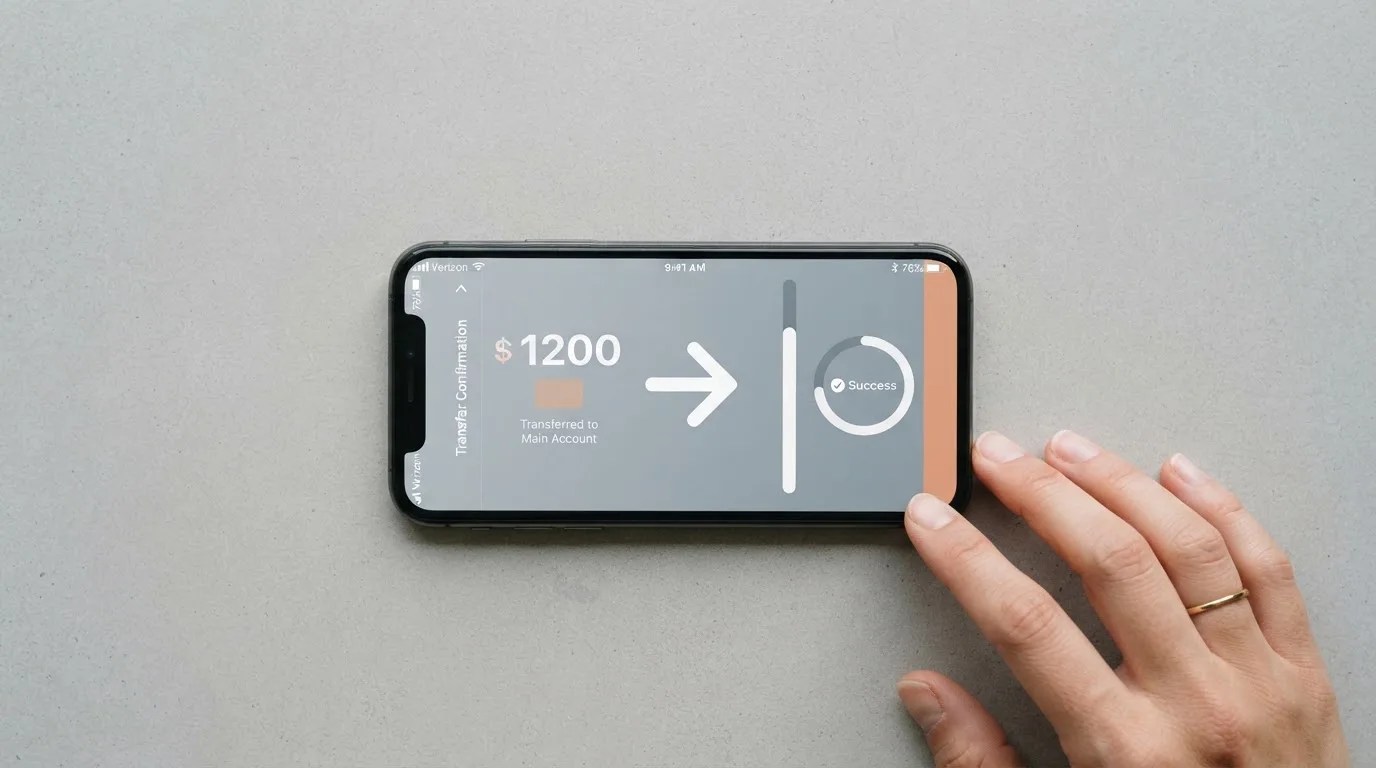
The reverse direction matters just as much. The card cannot send crypto on-chain or send money to a bank card; funds go back to your Primary Account first (in the app: Wallet, Card, Deposit, Transfer; on the web: Card, Personal Card, Transfer with From set to Card Account), then you withdraw as normal. Security verification may be requested, and reward-type balances such as Growth Fund principal or a Futures Bonus cannot be moved to the card at all. The pages do not state a fee for the transfer back. Two more things to note: if the card balance goes negative and stays unpaid, crypto withdrawals are restricted until it is repaid; and if the card is closed or inactive the balance simply stays in the card account and is moved out with the same transfer guide, while deletion and reapplying go through a form rather than happening automatically.
Paying with it every day
Day-to-day it behaves like a prepaid card, because that is what it is: you load a balance and it can only spend that balance. Apple Pay and Google Pay both work for contactless (Samsung Pay is not supported), and restricted-merchant notices exist for both networks — though the card pages do not detail which merchants, and whether gambling is among them is not stated.
If you are used to a normal bank’s protections, note what Visa disputes actually cost here. The appeal fee is 50 USDT per case and is paid regardless of the outcome; the arbitration fee is 600 USDT and only charged if you lose; and at least 650 USDT must be available in your main account as a temporary deposit. The card lives inside the Pionex app (Wallet, then Card) and on the web, though the pages do not state which app platforms or store ratings apply. On refunds: clearing generally takes 3 to 30 days and is released automatically with no early release by support; pre-authorization holds release within 7 business days after the merchant finalizes; VAT refunds take about 3–5 business days up to a few weeks; and the transaction fee is returned only when a payment comes back with “Payment Reversal” status. If a payment fails but you are still charged, the route is to ask the merchant for a refund and then give Support the ARN.
What can go wrong
The most serious thing I found is not a fee but a shutdown. Pionex officially cancelled inactive or rarely used cards in batches between August and September 2026, some without notice; the cancellation is irreversible, you cannot reapply, and the balance simply stays in the card account. Separately, a “Pionex Mastercard Temporary Maintenance Notification” article exists, though I did not read it in detail.
Then there is the counterparty risk of holding money on an exchange. The card is custodial: your funds sit in a card account inside the Pionex exchange account, so you are trusting the provider. You can freeze and unfreeze the card yourself in the app (More, then Freeze) and it takes effect immediately, but a risk-control freeze can only be lifted through Customer Support. Security Authentication is required to view card details and at checkout, you can switch payment SMS codes to in-app authorization, and freezing the card does not cancel merchant subscriptions. Insurance or safeguarding arrangements and 2FA specifics are not stated on the card pages.
The issuer bank is not named, and for some Mastercards the help refers to a “Dogpay channel (BIN 5371),” which those cards apparently cannot use to pay merchants in South Africa. Pionex’s own registration and licences are not stated on the pages I could read, and unofficial third-party sources likewise could not name the issuer bank or any licence.
User reports add colour, and they are user reports, not verified facts: frozen withdrawals, an account closure with a refund delayed two months, and a Visa dispute where Pionex asked for extensive purchase history. On Trustpilot, Pionex.com as an exchange scored 2.5/5 from about 600 reviews, 124 of them in the last 12 months, read on 20 October 2026, with frozen withdrawals after profits as a recurring theme (company replies point to the risk team), account closures with refunds scheduled two months out, and cards charged for transactions the merchant declined with no refund. Coin Bureau listed 2.3/5 in August 2025 with withdrawal complaints. None of that is card-specific, but you are trusting the same company with the balance.
For context, holding funds with a custodian is not hypothetical risk: Mt. Gox (about US$350 million reported stolen, 2011–2014), Coincheck (about US$400 million, 2018) and the Ronin Network (US$625 million, 2022) are the reference points.
What to take instead
Two alternatives in the same category scored higher on the same criteria, and either is worth a look before you commit to Pionex.
MSX — 6.4 / 10. This is the strongest score I found among the alternatives, but I could not read the official page well enough to confirm eligibility, card type, costs, fees, funding or rewards. That absence of detail is itself worth weighing.
Bybit Card — 6.0 / 10. The most documented option, and the one with the broadest detail in its help centre. Its card regions are Argentina, AIFC (Kazakhstan), Georgia, Kazakhstan, Australia, Mexico, Brazil, Peru and Asia Pacific; the application asks your country of residence, and if unsupported they register your interest. It is explicitly not meant for European Economic Area customers, whose participation is strictly prohibited. It offers virtual and physical cards (a virtual card first; physical not in Peru), a range of card currencies, virtual issuance free “until further notice” with physical issuance from 29.99 USD (Australia) down to 5 USD/USDT (Argentina, Asia Pacific) and free in Brazil and Mexico, a crypto conversion fee of 0.9% over the One-Click Sell rate in most regions, and cashback tiers from 2% up to 10% depending on monthly spend.
| Alternative | Score | Card | Notable fee | Notable reward |
|---|---|---|---|---|
| MSX | 6.4 / 10 | Not stated officially | Not stated | Not stated |
| Bybit Card | 6.0 / 10 | Virtual and physical, several regions | 0.9% crypto conversion (most regions), FX fee on top | 2%–10% cashback by monthly spend tier |
| MEXC | 5.6 / 10 | Virtual only | Issuance 20 USD, service fee 0% | 4%–10% cashback by M-Score tier |
MEXC — 5.6 / 10. A virtual card only (no physical yet), issuance listed at 20 USD though the page may show a 0 USD discounted price, service fee 0%, and cashback of 4% to 10% by M-Score tier. Its conversion and FX fees are not on the page.
All three alternatives top up from a crypto balance rather than a bank account, so if your real problem is loading from fiat, the answer is not in any of these cards.
Who I would recommend it to
I would recommend the Pionex card to a Pionex user who already holds USDT, already runs trading bots on the platform, and mainly spends in dollars or their local currency — someone for whom a virtual Visa at 1% with no annual fee and no inactivity fee, plus 1% cashback and 5% APY on the balance, is a genuine convenience and who treats the card balance as spend-it-and-refill money rather than savings.
I would not recommend it to you if any of these are true:
- You need a physical card now. Only virtual cards are being issued, and the rollout is phased with no delivery details published.
- You were assigned a Mastercard and you want an ATM or low fees. There is no ATM, and the transaction fee is “up to 3.5%.”
- You want to load from a bank account. USDT only, no fiat top-up, no IBAN.
- You rely on the card for a long time without checking in. Inactive cards were cancelled in batches in August–September 2026 with no notice and no reapplication.
- You are in a region Pionex restricts, or your KYC country maps you to a card type you did not expect.
If you cannot tick “already hold USDT on Pionex” and “comfortable with a custodial balance on an exchange,” look at Bybit first for documentation depth, or keep looking for a plain bank card, because this one is not a replacement for that.
Frequently asked questions
What is the Pionex card?
The Pionex card is a prepaid-style payment card, Visa or Mastercard depending on your KYC country, that spends a USDT balance held in the Pionex app rather than drawing on a bank current account. Only virtual cards are issued at present, with physical cards rolled out in phases. It behaves like a loaded gift card that also earns a little: 1% cashback on eligible purchases and 5% APY on the USDT balance.
How does the Pionex card work in daily use?
You transfer USDT into a separate card account, then spend it like any other card, optionally adding it to Apple Pay or Google Pay for contactless payments. Because it is prepaid, it can only spend what you have loaded — there is no overdraft. Money goes back to your Primary Account first, because the card cannot send crypto on-chain or pay out to a bank card, and then you withdraw as usual.
Is Pionex a bank, and who issues the card?
No — Pionex is not a bank, and the issuing bank behind the card is not named on the pages I could read. Some Mastercard help refers to a “Dogpay channel (BIN 5371),” and those cards reportedly cannot pay merchants in South Africa. Your funds sit custodially in a card account inside the Pionex exchange account, so you are trusting the platform, not a deposit-guaranteed bank.
Does the Pionex card require KYC, and who is eligible?
Yes. You need KYC Level 2 completed plus account assets above a threshold shown on the application page, which is an eligibility condition rather than a fee. Eligibility follows the country of your completed KYC, not citizenship, and Pionex does not publish a full country list; users in restricted regions cannot apply, and since 14 August 2026 Belarus-verified applicants are offered Mastercard instead of Visa.
How do I top up the Pionex card?
With USDT only, either by an internal transfer from your main Pionex account to the card account or by depositing USDT from an external wallet. There is no fiat top-up and no IBAN. Neither a deposit fee nor a minimum top-up is stated on the fee pages, and the network fee for an external deposit is charged by the blockchain, so check the network before you send.
What does the Pionex card cost to use?
The annual fee and the inactivity fee are both zero on both networks, and no issuance fee is listed. The transaction fee is 1% on Visa, where fiat-to-crypto conversion is free at USD/USDT 1:1, or “up to 3.5%” on Mastercard, which converts non-USD at its own rate. Small payments of 5 USD or less on Visa are free once a month then 0.2 USDT, failed payments cost 0.5 USDT after the first free, and a Visa ATM withdrawal costs 2%.
Can I use Apple Pay and a Pionex card at ATMs?
Apple Pay and Google Pay both work for contactless payments; Samsung Pay does not. ATMs are the weak point: a Mastercard has no ATM at all, and the 2% ATM fee on Visa applies to the physical card, which is not the card currently issued. So in practice, treat cash withdrawal as unavailable until physical cards arrive.
Is the Pionex card safe, and what are the risks?
The card is custodial, so your balance depends on Pionex, which carries the usual counterparty and hack risk of any exchange. The card itself can be frozen instantly in the app, and Security Authentication is required for card details and checkout, but a risk-control freeze can only be lifted through Support. The concrete historical risk here is that inactive cards were cancelled in batches in August–September 2026, irreversibly and sometimes without notice.
Why was my Pionex card cancelled, or is Pionex trustworthy?
Pionex officially cancelled inactive or rarely used cards in batches between August and September 2026, in some cases without notice; cancellation is irreversible, you cannot reapply, and the balance stays in the card account. On the wider exchange, Trustpilot showed 2.5/5 from about 600 reviews (124 in the last 12 months, read 20 October 2026) with frozen withdrawals a recurring theme. Use the card for spend, keep only what you can replace, and check the card screen from time to time.
Is the Pionex card worth it compared with Bybit or MEXC?
It is worth it only if you already sit on Pionex with USDT and got the 1% Visa network. On the same criteria, Bybit scored 6.0/10 with virtual issuance free and physical cards from 29.99 USD, and MEXC scored 5.6/10 with virtual-only and 4%–10% cashback tiers, both above Pionex’s 4.8. But all of these top up from crypto rather than fiat, so if loading from a bank account is your priority, a normal bank card remains the better fit.
Highest-scored exchange cards – cryptocardbest.com
Content created by the «cryptocardbest.com» team