
Libermall reviewed as a Telegram-first crypto card, with a 7.1 out of 10 score
 Available in US
Libermall is a payment card you fund from a crypto or rouble balance and use online, in shops or through a mobile wallet. The pitch is unusual: a virtual card you can issue without a passport or selfie, plus a separate plastic card for everyday spending and an NFC card for Apple Pay and Google Pay. Funding leans on USDT on TRON, USDT through TON, rouble card and SBP transfers, and Telegram Stars. The whole product is built around Telegram, from the bot you order it through to the way the balance is tied to your account.
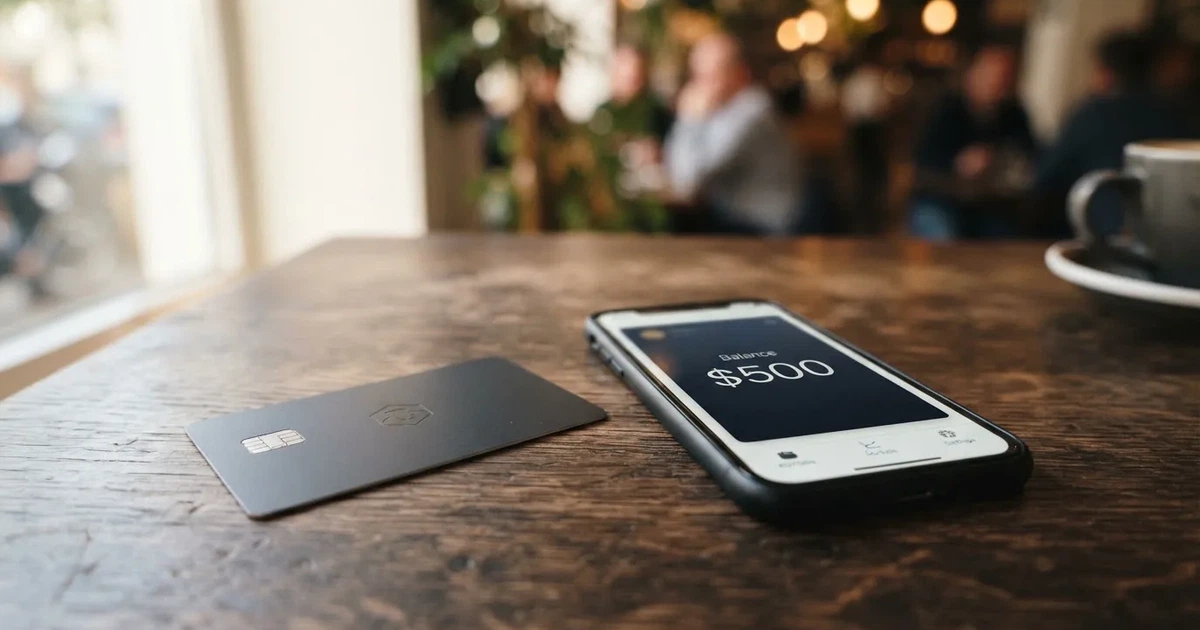
I went through Libermall’s public pages, the FAQ in the app, and the company’s own disclosures to put this review together. The score at the top of this page is 7.1 out of 10. The card is convenient if you live in a country where ordinary banking is awkward, you already keep funds in USDT, or you want a quick virtual number for subscriptions. It is less convincing if you want a regulated bank behind your money, full transparency on fees, or a card you can rely on at an ATM in a foreign currency.
The conditions described in this review are current as of October 28, 2026.
Verdict
Libermall scores 7.1 out of 10 overall. The breakdown is below.
| Criterion | Mark | Why it scores the way it does |
|---|---|---|
| Who can get it | 8 / 10 | The card is offered in 180+ countries, plastic ships worldwide except the USA, and the only named restrictions are generic “sanctioned categories and countries”. Russia and Belarus are not called out, and rouble funding is openly listed. |
| Cost | 7 / 10 | Issue fee is $10, Premium cards are $135, the Apple/Google Pay card is listed at $10 in one place and $15 in the FAQ. There is no subscription. USDT on TRON is 0% to top up, USDT via TON carries a 0.5% spread, and the FX fee is not stated. |
| Top-up options | 7 / 10 | USDT on TRC-20, USDT via TON Connect, roubles by card and SBP, Telegram Stars. USDC is not in the list, which is unusual. |
| Reliability and complaints | 6 / 10 | Libermall LLC is registered in Cheyenne, Wyoming, the issuer is not named, the site repeats that it is “not a bank”, and I did not find independent complaint data either way. |
| Everyday use | 7 / 10 | Virtual cards are issued instantly, plastic and NFC variants exist, and the Telegram-native flow is fast. The catch is that Apple Pay and Google Pay need the dedicated verified card; the anonymous one cannot be added to a wallet. ATM behaviour is not disclosed. |
| Total | 7.1 / 10 |
The audience Libermall is built for is clear: Telegram users, people who already hold USDT, and users who want to fund a card in roubles through SBP or a domestic card. If you fall into that group, the friction is genuinely low. If you want a card you can compare line by line to a Wise or a Revolut, the lack of published FX and ATM fees is a real gap, and you should read the costs section before you load any meaningful balance.
Who will they give you the card
Libermall says it serves “180+ countries” and ships plastic cards worldwide except the United States. The page also mentions restrictions on “sanctioned categories and countries” without naming any of them. Russia and Belarus are not flagged, and the funding list openly includes rouble top-ups by Russian card and SBP, so the product is designed with a user base needing rouble funding in mind. The site does not say whether eligibility is decided by citizenship, residence, or the country your documents come from; in practice, with no KYC at the entry tier, the only checks are that you can receive the virtual card, and, for plastic, that the courier can reach you.
Two things are worth noticing. First, “180+ countries” is a marketing claim, not a regulatory licence, and it is the same kind of wording many crypto cards use to suggest global reach without naming the issuer that actually carries the licence. Second, US residents are excluded from plastic but not from virtual cards, which is a common split: a US bank programme would normally require US compliance, so the company is steering US users to its no-KYC virtual side.
The no-KYC tier is, by design, the most restrictive. The virtual card is described as internet-only, and higher monthly turnover requires full KYC. Citizenship and residence rules are not stated, so the only real answer I can give is: if your country is on a sanctions list, expect to be turned away; otherwise, the virtual card is the path of least friction.
How to get it
Libermall is built around Telegram, and the application flow is correspondingly light. You open the @YouLibermallbot, pick a card type, and the virtual card is issued in the app. There is no passport and no selfie for the no-KYC virtual tier. Plastic and NFC cards are ordered through the same bot and shipped to most countries except the USA. There is also an Android app and a web app linked from the bot.
The card lineup on the public pages looks like this:
- Libermall_EUR — an EUR-denominated card aimed at subscriptions and recurring online payments.
- Libermall_PAY — the “popular” card, pitched at travel and everyday spending.
- Libermall_PREMIUM — a higher-limit card, issued on request and priced separately.
- Libermall_USA — a US-bank card for Apple Pay, which is the only card the company explicitly links to Apple Pay at the headline level.
- A dedicated NFC card for Apple Pay and Google Pay, separate from the standard virtual card.
Two structural points are worth catching here. The first is that there is more than one plastic product, and the FAQ contradicts the product page on price: the Apple/Google Pay NFC card is listed at $10 in one section and $15 in the FAQ, so the real price depends on where you look. The second is that adding a card to Apple Pay or Google Pay is not automatic. The anonymous $10 virtual card cannot be added to a mobile wallet; only the dedicated verified NFC card can, and it is linked to your account by QR code from the app. If you are choosing a card specifically for contactless payments, this is the part to get right before you pay.
KYC is layered. The entry tier has no passport, no selfie, and a small monthly turnover. The Standard plan raises the monthly turnover to $100,000 once full KYC is done. The Premium plan is higher still and is issued on request. Documents required, proof of address, minimum age and rejection rates are not stated, so the safe assumption is that you will only know what is required when you actually try to move up a tier. Processing time is not stated either.
What it really costs
This is the section where Libermall is least forthcoming. The headline numbers are clear; the second-order costs are not.
Fees and limits
| Fee or limit | Amount |
|---|---|
| Card issuance, standard | $10 one-off |
| Premium card issuance | $135 per issue |
| Apple/Google Pay NFC card | $10 (product page) or $15 (FAQ) — inconsistent |
| Monthly or subscription fee | None stated |
| USDT on TRC-20 top-up | 0% |
| USDT via TON Connect top-up | 0.5% spread |
| Rouble top-up (card or SBP) | Fee not stated |
| Conversion fee | Not stated |
| Foreign exchange (FX) fee | Not stated |
| ATM fee | Not stated |
| Cashback | Up to 10%, conditions not stated |
| Standard deposit cap | $5,000 per deposit |
| Standard monthly turnover (after full KYC) | $100,000 |
| Premium per-transaction cap | $20,000 |
| Premium monthly cap | None, on request |
Three observations. The first is that the obvious costs are low: $10 to issue, no subscription, free top-up on TRC-20. That is competitive against a lot of crypto cards. The second is that the missing numbers matter. A card that does not state its FX fee, ATM fee, or conversion fee forces you to discover the real cost in a real transaction, which is the worst place to find it. The third is the $10 versus $15 inconsistency on the NFC card. If you order it for $10 and the system later charges $15, the only way to dispute that is through the Telegram support channel, and the published recovery time is “usually within 24 hours” with no service hours given.
What three everyday payments look like
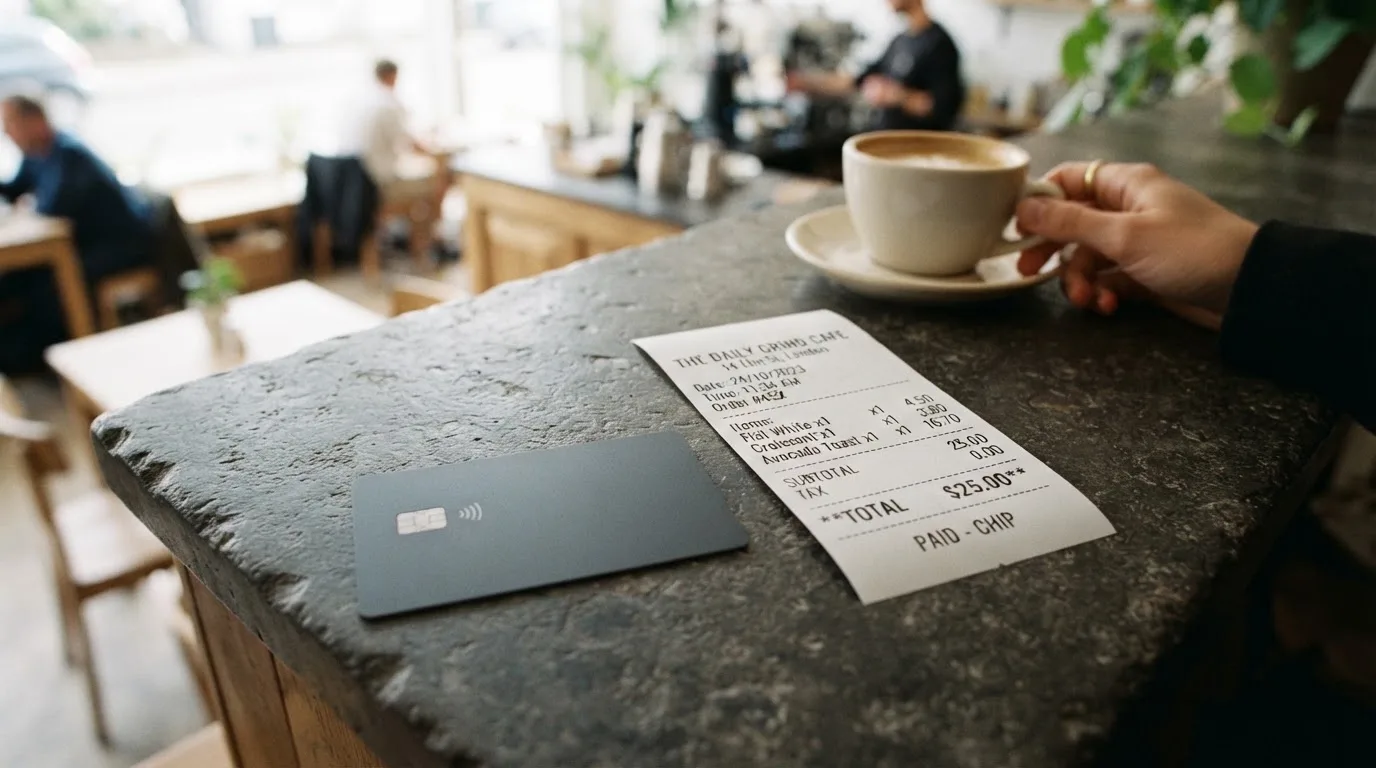
The cost you actually pay is the issue fee, the top-up fee (if any), any conversion the card needs to do, and the FX spread if you pay in a currency other than the card’s base. Because Libermall does not publish a conversion or FX fee, the examples below use the figures that are stated, and flag the rest as unknown.
Paying for a streaming subscription with a Libermall_EUR card. You top up the EUR balance. The cheapest stated route is a USDT TRC-20 transfer, which is 0% on the top-up itself. The conversion from USDT to EUR is a step the card has to perform, and the fee for that step is not stated. In a market where EUR card conversion fees exist on regulated cards, expect a real cost, plus any spread the conversion provider takes. The cardholder never sees a separate “FX fee” because the payment is in EUR on an EUR card, which is the upside of using a card denominated in the right currency.
Paying for online purchases at a US store with a Libermall_PAY card funded by USDT on TRC-20. Top-up is 0%, so that part is clean. If the card’s base currency is, say, USD, the payment is domestic and the only cost is the cashback, which is up to 10% but with conditions not stated. If the card is denominated in another currency, you are now paying an FX fee that is not published.
Withdrawing cash from an ATM abroad with a Libermall card. This is the part I cannot price. The ATM fee is not stated, the FX fee is not stated, and the network is not stated. In practice, crypto cards that do not disclose these numbers usually charge a flat ATM fee plus a foreign-exchange margin, but these figures are not official Libermall fees and may vary.
The short version: Libermall looks cheap at the entry point, but the fee schedule is incomplete, and you should treat any card balance as money you can lose to an unstated charge rather than money whose cost you can predict.
How to top up a Libermall card
The top-up options are listed on the public page. They are unusually specific to Telegram and to users requiring rouble funding.
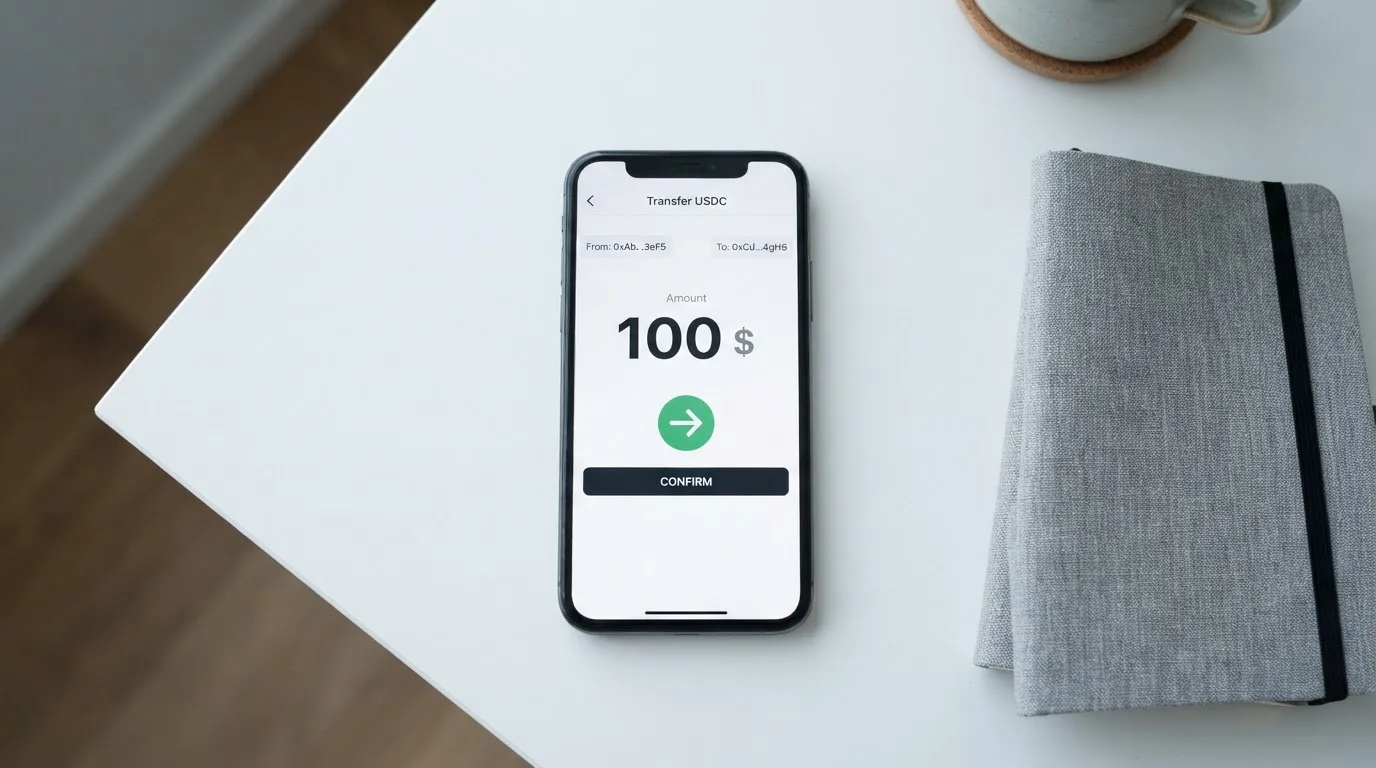
- USDT on TRON (TRC-20). Free at the card level (0%). The network fee is paid on the Tron blockchain, not by Libermall, so you will need a small amount of TRX in the sending wallet to pay bandwidth and energy.
- USDT via TON Connect. A 0.5% spread is applied. TON is The Open Network, and TON Connect is the protocol that lets an external wallet approve a transaction in a Telegram-adjacent flow.
- Roubles by Russian bank card.
- Roubles by SBP (the Russian Faster Payments System).
- Telegram Stars, the in-app currency Telegram uses for digital goods and services.
The minimum top-up, the network-fee payer, and the on-chain confirmation time are not stated. USDC is not in the list, which is unusual for a crypto card in 2026: USDC is widely issued, widely supported, and Circle specifically publishes monthly reserve attestations. If USDC matters to you, this is a gap, and it is the kind of gap that suggests the product is built around USDT liquidity rather than a balanced stablecoin offering.
A practical note on transfers. Crypto transfers are irreversible. If you send USDT to a TRC-20 address but the card expects a TON Connect flow, or you send on the wrong network, the funds can be lost or sit in a manual recovery queue with no guarantee of return. The way to avoid that is to copy the deposit address and the network from inside the Libermall app or bot each time, and not from a screenshot or an old message. Withdrawal from the card back to a bank or crypto address is not stated on the public page, which means the documented flow is one-way: money comes in, money is spent on the card.
Paying with it every day
The everyday experience is split across the Telegram bot, the Android app and the web app, and the cards themselves. The virtual card is issued instantly, the plastic card is shipped, and the NFC card is a separate purchase for mobile wallet users.
For online payments, you enter the card details like any other Visa or Mastercard, and you can also tokenise the card into Apple Pay or Google Pay through the dedicated NFC variant. The tokenisation flow is QR-driven: the app shows a code, you scan it with the wallet, and the card is added. The $10 anonymous virtual card cannot be added to a wallet, so if you want tap-to-pay on a phone, you need the dedicated card and a verified account.
Cashback is advertised at up to 10%, credited to the balance. The conditions — minimum spend, eligible categories, monthly cap, exclusion of the anonymous tier — are not stated. The phrasing “up to” is doing a lot of work here, and the real rate is probably lower for most users, but the public page does not say.
Blocked categories are listed as “sanctioned categories” only. The category code that most often triggers blocks on cards of this kind is MCC 7995, which covers gambling. Whether Libermall blocks that category specifically is not stated. Sanctions compliance is a different matter and is enforced by the network or the issuer, not by the card programme, so the categories the card itself blocks on top of that are not the full picture of what will be declined at the till.
Two further everyday points. First, address verification (AVS) is mostly a US/Canada/UK thing and rarely works on cards issued outside those countries, so a foreign-issued card is more likely to be declined on US sites even when the balance is fine. Second, an authorisation hold can sit on the balance for several days after a declined or pending transaction, and that hold reduces what you can actually spend in the meantime. Both are industry-wide behaviours, not Libermall-specific, but they shape what “everyday use” actually feels like.
What can go wrong
Libermall is built as a custodial product: the balance is tied to your Telegram account, not to a private key you hold. That has practical consequences. If the company has a bad day, your balance has a bad day with it. The site does not describe itself as a bank, and the issuing bank or e-money institution is not named — Libermall says issuance happens through “licensed payment partners under Visa and Mastercard programmes” without saying which partners. The legal entity behind the service is Libermall LLC, registered in Cheyenne, Wyoming.
The compliance items you would normally expect to find on a regulated card issuer’s page are partially missing. Two-factor authentication is not stated. An in-app freeze or kill switch for the card is not stated. Dispute and chargeback rights are not stated. Card data is described as encrypted and not stored in plain text, which is the basic level of hygiene and not a differentiator. Support runs through Telegram, with @YouLibermallbot and a @LibermallSupport contact, and account access restoration is described as “usually within 24 hours” with no published service hours.
The risks to weigh, in plain terms:
- Custodial risk. The balance is held by Libermall. If the company fails, the funds are subject to the company’s creditors, not protected by a deposit guarantee scheme the way a bank account would be.
- Issuer/programme risk. A licensed partner under Visa or Mastercard programmes sits between you and the network. The FTX US debit card was wound down by its issuer after Visa terminated its global agreements in November 2022. A similar programme closure is not the everyday case, but it is the one that hurts most.
- Sanctions and country risk. The card is “not available” in sanctioned categories and countries, and the BIN/country of the issuer can be visible to a merchant, which can trigger extra scrutiny at checkout.
- Stablecoin risk. USDT and USDC are not guaranteed to hold their peg. USDC briefly lost its peg during the March 2023 US banking turmoil; USDT has had shorter and shallower deviations. Funding in stablecoin does not remove exchange-rate risk; it relocates it.
- On-chain risk. If you send USDT on the wrong network, or to an address that does not match the network Libermall expects, the funds can be lost or stuck. Transfers are irreversible.
- Operational risk. Support is Telegram-only, response times are not published, and there is no phone line. A frozen account is a Telegram ticket, not a regulated complaint.
- Disclosure risk. Several fees and limits are simply not stated. That is itself a risk: the only way to find the real cost is to incur it.
I did not find independent complaint data for Libermall in my research, and absence of complaints is not the same as a clean record. Treat the “6 / 10” reliability mark as a “no negative evidence, but no positive evidence either” rather than as a clean bill of health.
What to take instead
Libermall is not the only Telegram-adjacent crypto card on the market. Three alternatives worth knowing about, in roughly the same niche but with different trade-offs.
| Card | Score | Strength | Trade-off |
|---|---|---|---|
| Ape Wallet | 5.5 / 10 | A Telegram-native flow with transfers by Telegram username and Russian-passport KYC for higher limits. | Issuance price is not stated, relies on promo codes, and an active Apple/Google Pay card is required to get a discount on a service card. |
| MaxSwap | 5.2 / 10 | Virtual Mastercard, very long list of supported crypto assets (about 25, including BTC, ETH, USDT, USDC, TON). | A 4.5% + $1 top-up fee, a 0.25 USD + 0.4% per-transaction fee, and a $50 card with a $25 first deposit required. The “no geographical restrictions” claim is not backed up with a country list. |
| AnoCard | 5.9 / 10 | Multiple BINs and reloadable or one-time virtual cards selectable in the SORN web dashboard; referral programme paying $5 per referred card and 0.25% of referred top-ups. | Costs, top-up rates and supported assets are not published on the public page and are only shown in the dashboard before payment. The main site was unavailable during research, which raises availability questions. |
Ape Wallet is the closest in spirit to Libermall: Telegram-first, rouble-aware, virtual Visa. MaxSwap is broader on assets but more expensive to use. AnoCard is the most “tool” of the three, useful if you want to pick a specific BIN or a one-time virtual card for a single purchase. None of them is clearly better than Libermall on every axis; the right choice depends on whether you care more about a Russian-friendly flow (Ape, Libermall), a wider crypto menu (MaxSwap), or a BIN-shopping experience (AnoCard).
For a different kind of comparison, a regulated non-crypto card from an e-money institution licensed in the EU or the UK will give you published FX fees, a formal complaints process, and client fund safeguarding. The cost is friction: KYC up front, an account review if your profile changes, and a card that is not loaded from USDT. If that trade-off appeals, an EMI card is the more conservative path.
Who I would recommend it to
Libermall is a reasonable card for a specific kind of user. It suits you if you already use Telegram as a financial surface, you keep some of your balance in USDT on TRON, and you want a virtual card in five minutes for a subscription or a one-off online purchase. It suits you less if you want a card whose full fee schedule is on the page, you want to take cash out at ATMs abroad, or you want a regulated bank on the other side of the balance.
The honest recommendation is layered. For a small, frequent, online-only use — paying for a streaming service, a domain, a cloud bill — Libermall is fast, cheap, and the no-KYC tier is a real advantage. For a primary spending card, the missing FX and ATM numbers are a problem you should solve before you commit. For a long-term store of value, the custodial design and the undisclosed issuer make it a poor choice compared with an EMI-issued card in a regulated jurisdiction, even at a higher cost.
If you do use it, three habits are worth picking up. Keep the balance small and rotate it. Send every top-up from inside the app, on the network the app tells you to use, and only after you have checked the address character by character. Treat the cashback as a bonus, not as a reason to spend.
Frequently asked questions
What is the Libermall card?
Libermall is a payment card you fund from a crypto or rouble balance and use online, in shops, or via a mobile wallet. The product line includes a no-KYC virtual card, a plastic card, a Premium tier with higher limits, and a dedicated NFC card for Apple Pay and Google Pay. The whole flow is built around a Telegram bot, an Android app and a web app.
How does the Libermall card work?
You top up the card with USDT on TRON (TRC-20), USDT through TON Connect, roubles by Russian card or SBP, or Telegram Stars. The top-up is converted to the card’s balance, and the card spends that balance like a prepaid card. The virtual card is issued in the app, the plastic card is shipped, and the NFC card is a separate purchase that tokenises into Apple Pay or Google Pay.
Is Libermall a bank?
No. Libermall describes itself as “not a bank”. The company behind the service is Libermall LLC, registered in Cheyenne, Wyoming. The cards are issued by “licensed payment partners under Visa and Mastercard programmes” whose names are not disclosed on the public page. The balance you load is not a bank deposit and is not protected by a deposit guarantee scheme.
Who owns Libermall?
The public pages name Libermall LLC, a company registered in Wyoming, USA, as the legal entity behind the product. The individual owners, board, and any parent companies are not disclosed on the pages reviewed for this article.
Is the Libermall card available in my country?
Libermall claims 180+ countries are supported and ships plastic cards worldwide except the USA. Restrictions are described as applying to “sanctioned categories and countries” without naming them, and the site does not separate citizenship from residence. If you are in a heavily sanctioned jurisdiction, expect to be declined; otherwise, the no-KYC virtual card is the most accessible entry point.
How do I get a Libermall card?
Open the @YouLibermallbot in Telegram, pick a card, and the virtual card is issued in the app. Plastic and NFC cards are ordered through the same bot. The standard issuance fee is $10, Premium cards are $135, and the NFC card is listed at $10 in one part of the site and $15 in the FAQ. No-KYC is available at the entry tier; full KYC unlocks the Standard plan’s $100,000 monthly turnover.
Does the Libermall card require KYC?
The no-KYC virtual card does not, and is described as internet-only. The Standard plan with its $100,000 monthly turnover requires full KYC, and the Premium plan is issued on request. The exact documents, age requirement, and processing times are not stated, so the only way to find out is to apply for the tier you want.
How do I top up the Libermall card?
Top up with USDT on TRON (TRC-20) at 0%, USDT via TON Connect at a 0.5% spread, roubles by Russian card, roubles by SBP, or Telegram Stars. The minimum top-up, the network-fee payer, and the on-chain confirmation time are not stated. USDC is not listed as a funding option. Crypto transfers are irreversible, so the address and network should always be copied fresh from inside the app.
Can I add the Libermall card to Apple Pay or Google Pay?
Only the dedicated verified NFC card can be added to a mobile wallet. The anonymous $10 virtual card cannot. Tokenisation is done by scanning a QR code from the Libermall app. The Libermall_USA card is also linked to Apple Pay at the headline level, and the rest of the plastic range is not advertised as wallet-ready.
Is the Libermall card safe to use?
The card details are encrypted and not stored in plain text, which is the basic level of hygiene for a card programme. Beyond that, the balance is custodial, the issuer is not named, two-factor authentication is not described, an in-app freeze is not described, and support is Telegram-only with “usually within 24 hours” restoration and no published service hours. The site does not publish independent security audits. Safety depends on what you compare it to: it is more transparent than a Telegram-only scam card with no public pages, and less transparent than a regulated EMI that publishes FX fees, a complaints process and a safeguarding statement.
Highest-scored virtual cards – cryptocardbest.com
Content created by the «cryptocardbest.com» team