
PayPaw is a Solana-only prepaid card you buy inside Telegram and can never top up again
 Available in US
PayPaw is not a bank account and not a crypto exchange with a card attached. It is a prepaid payment card that you buy inside a Telegram bot with Solana tokens, use until the balance runs out, and then throw away and replace. That single sentence explains almost everything about this card — the appeal and the frustration. For someone who cannot get an ordinary bank card, or who simply wants a card number that works in an online shop today and does not care what happens next month, that is a workable arrangement. For someone who wants one card for daily life, the “no top-up” rule turns every refill into a new purchase, a new fee and a new wait.
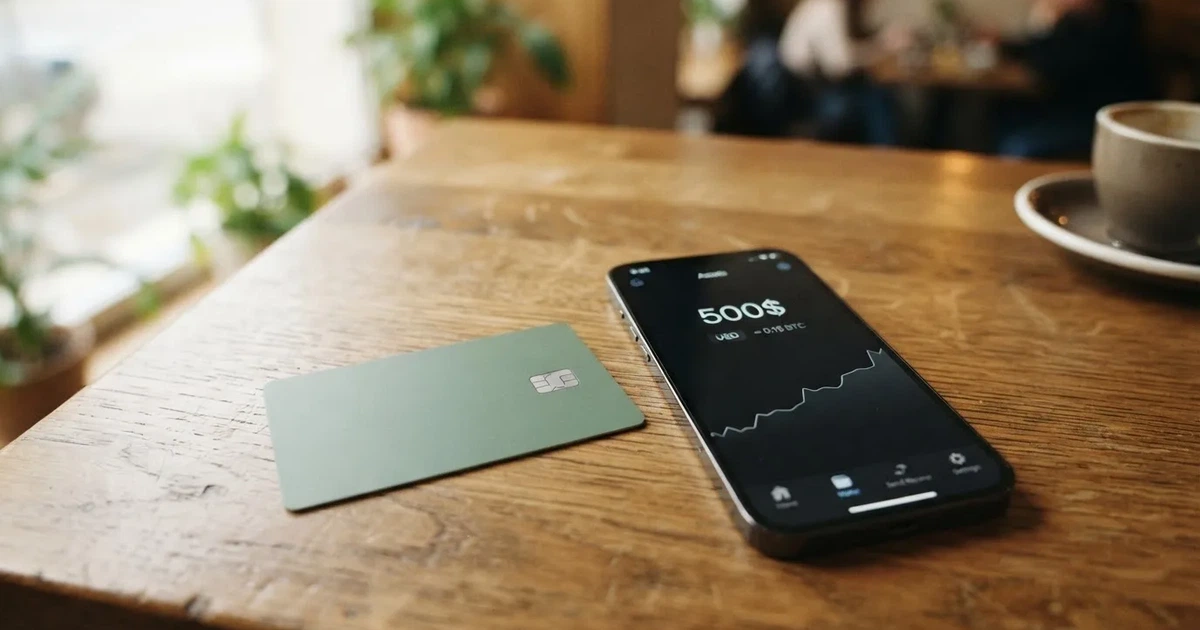
My score is 5.8 out of 10. The reach is genuinely wide and the buying experience is unusually simple, but the cost structure, the silence about the company behind it and the dead-end funding model keep it well short of a card I would keep.
The conditions described below are current as of October 28, 2026.
The verdict: 5.8 out of 10
| Criterion | Mark | Why |
|---|---|---|
| Who can get it | 8 / 10 | Over 200 countries, 30 restricted countries excluded, Belarus and Russia among them |
| Cost | 4 / 10 | 3% of the card cost plus $2, and 2% for using it in another currency |
| Top-up options | 8 / 10 | SOL, USDC, USDT or BONK on Solana; an aggregator swaps other tokens such as BTC, ETH and BNB |
| Reliability and complaints | 4 / 10 | Legal entity, issuer and licences are not named; no complaints found; the card itself cannot be topped up |
| Everyday use | 5 / 10 | Apple Pay and Google Pay are available; no ATM; the card type and top-up arrangements are not disclosed |
| Total | 5.8 / 10 | A wide door with a narrow corridor behind it |
Who this suits. If you live in a country where opening a mainstream bank account is slow, refused or impossible, and you already hold Solana or a Solana-based stablecoin, this card gets you a spendable card number in about fifteen minutes. If you buy things in a single currency — most often EUR or USD — and you treat the card as a consumable rather than a relationship, the arithmetic can work.
Who this does not suit. If you need to top up the same card, if you need cash from an ATM, if you travel and spend in many currencies, if you want a physical card in the post, or if you want to know which legal entity stands behind your money, this is the wrong tool. There is also a category of reader the card is genuinely aimed at: Telegram users buying one-time prepaid cards with Solana tokens. If you are not in Telegram, or not in Solana, you are outside the intended audience, and the card makes no effort to pull you in.
Will they give you the card
Over 200 countries are covered, and 30 countries are excluded from that list. Belarus and Russia are among the excluded ones. The card’s public pages do not say whether eligibility runs on citizenship or on residence, so if you are a citizen of one country and live in another, the only practical answer is to work through the bot and see. The bot asks you to set your country, which is where the decision gets made.
The broader picture is worth holding in mind before you read that list as generous. Payment cards issued in one country routinely look foreign to merchants in another, because the first six or eight digits of a card number identify the issuing institution and its country, and shops can act on that. That is a category fact, not a complaint about PayPaw, but it explains why a card that technically works over 200 countries may still be declined in some corners of them.
There is no stated minimum age in the card’s material, though prepaid cards generally go to adults aged 18 and up.
How to get it
There is no identity check to get started — the card states “No need for KYC”, and its FAQ phrases this as not strictly required, while noting that the provider still asks for your data. That distinction matters: skipping formal document checks does not mean the provider knows nothing about you.
The sequence is short and runs entirely through Telegram:
- Open the Telegram bot.
- Set your country.
- Choose Create Card.
- Pick a provider and an amount.
- Pay the exact SOL amount requested.
- Activate the card through a partner link.
Two things to note about that flow. The payment must be the exact amount, in the exact token, on the exact network — if it is not, the card is not delivered. And the amount you choose is the amount of the card, because the card cannot be topped up later.
Delivery is fast on paper: the card arrives about 15 minutes after payment, and creating the order takes about 20 seconds. Whether that means a virtual card number in your wallet or a physical card in the post is something the card’s pages do not say. The material lists prepaid cards in EUR or USD and mentions Visa and Mastercard, but does not specify which network applies, or whether you get a physical card, a virtual one, or both.
The levels of verification, if any, are not stated.
Fees and what a payment actually costs you
The headline cost is 3% of the card cost plus a $2 flat fee. No monthly fee is stated. That absence matters: a card with no monthly fee is not necessarily cheap if every refill means buying a new one, and here every refill does.
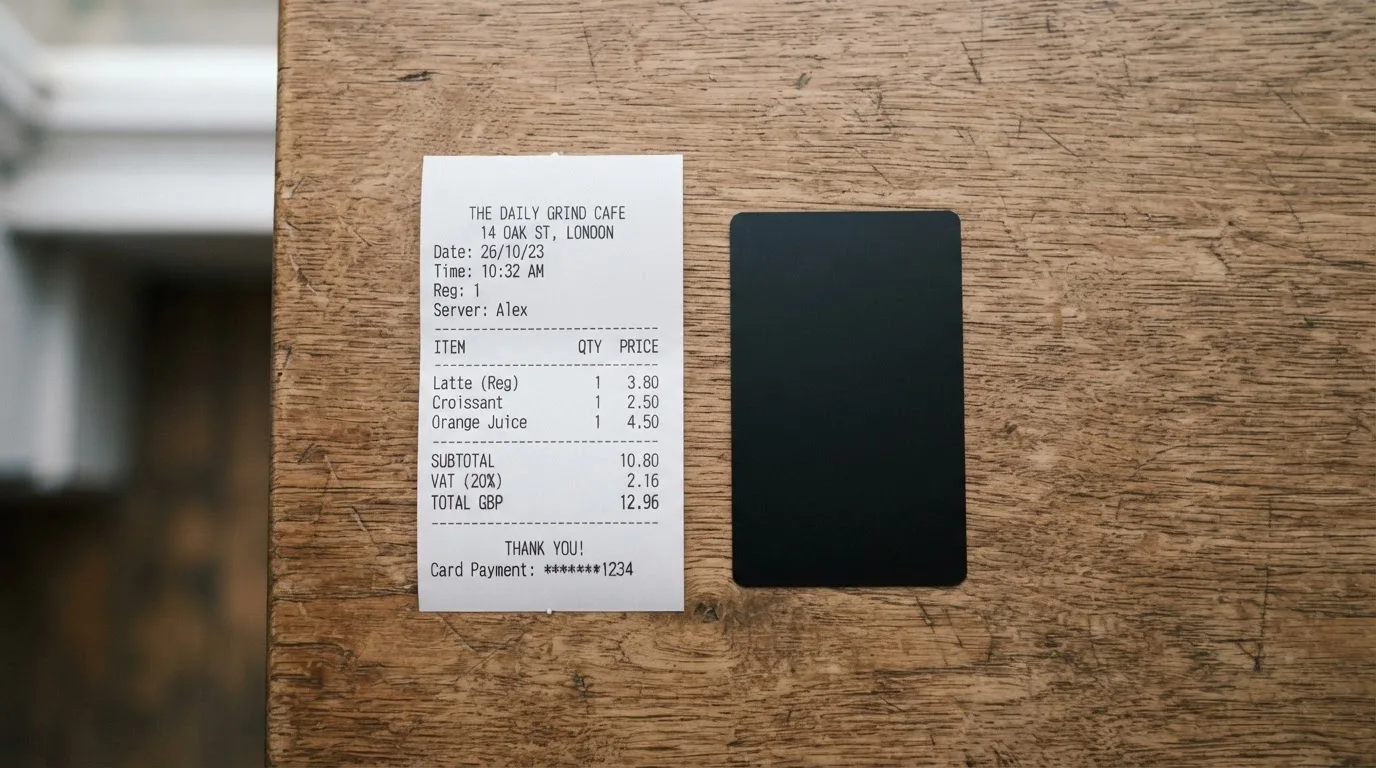
The other recurring number is a 2% conversion fee when you use the card in a currency other than the one it was issued in.
| Fee or limit | What the card states |
|---|---|
| Issuance | 3% of the card cost plus $2 |
| Monthly fee | Not stated |
| Conversion fee for spending in another currency | 2% |
| Crypto conversion fee via the swap aggregator | Not stated |
| ATM | Not supported (“No”) |
| Daily spending limit | Not listed |
| Monthly spending limit | Not listed |
| Number of cards | No limit stated |
Let me run three ordinary payments through that table, because fees behave very differently depending on what you buy.
Coffee in the city, in the card’s own currency. You pay the issuance fee once when you buy the card, then a transaction in EUR or USD costs nothing extra, because there is no foreign-currency conversion and no monthly charge. This is the case the card is genuinely good at.
A subscription billed in USD when you hold a EUR card. That is 2% on top of whatever the shop charges. On a €50 subscription that is €1 every month, and it is the kind of cost that is easy to forget until it accumulates.
Anything bought with a crypto balance through the aggregator. The card states that the swap aggregator converts other tokens, but does not publish the conversion fee. If your balance is in BTC or ETH and you spend in EUR, you are paying a spread or fee whose size the card does not commit to. That is the single largest unknown in the cost picture, and it sits precisely where a cost-conscious buyer would look first.
The category adds one more line item that is not the card’s charge at all: blockchain network fees for your deposit are paid to the network, not to the card provider. Sending Solana is cheap, but if the aggregator routes an asset across an expensive network, that cost is yours too.
Top up: there isn’t one
This is the fact that shapes the whole product. Top-up is not supported. Once a card is created, no more funds can be added to it; to get more money you create a new card.
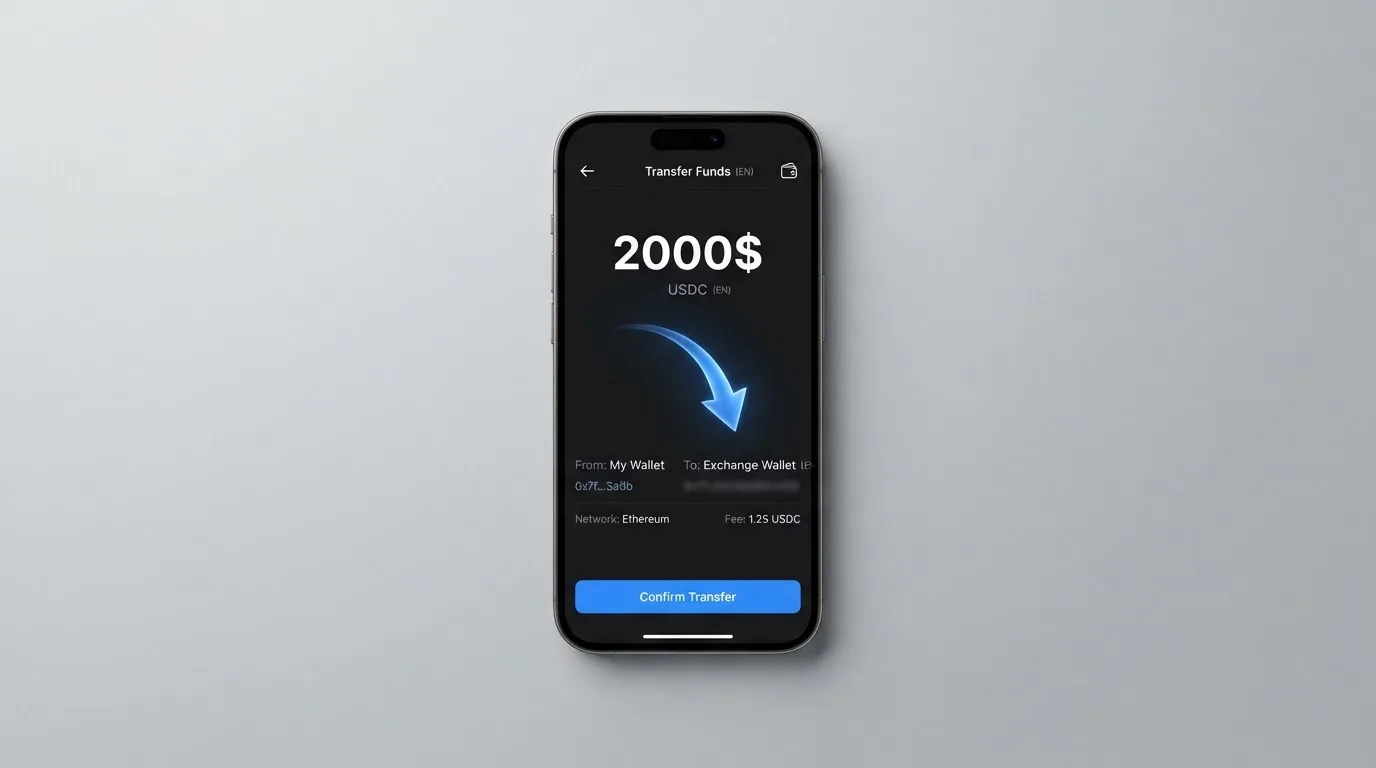
So the funding mechanics are not really “how do I top up” but “how do I buy another card”. You pay with SOL, USDC, USDT or BONK on Solana, to a fresh address generated for each order. The swap aggregator converts other tokens — BTC, ETH and BNB, according to the card’s own material. The exact amount must arrive, or the card does not come.
There is no way round this from the user’s side. No balance top-up, no partial load, no transfer of funds from one card to another is described. Cash withdrawal does not exist: no ATM, no stated withdrawal function. What you can see is the balance on the partner provider’s site.
Think about what that means in practice. If you use a €100 card for three weeks and it runs out on a Tuesday, you are not topping up — you are starting over, with a fresh purchase fee, a fresh payment address and another fifteen-minute wait. People who hold crypto and expect to spend it steadily will feel this. People who treat the card as a disposable instrument, exactly as the card’s own material implies, will not.
Paying with it every day
The card links to Apple Pay and Google Pay, which is the feature that makes a virtual prepaid card usable in a physical world. It works through a device-specific token rather than your card number, and each tap generates a fresh code, so adding it to a wallet is safer than handing over a number.
Beyond that, the day-to-day picture is thinner than it looks. The card is a single product — there are no tiers, no premium version, no metal or higher-limit option — and the amount is chosen per order in the bot. Blocked merchant categories are not stated, which means you cannot tell in advance whether gambling, adult content or ticket resale will be declined. Rewards or cashback are not stated. There is no app; the interface is the Telegram bot and a web dashboard.
Disputes are not stated either — what happens when a payment is wrong, duplicated, or for goods that never arrive. The card’s guidance on a lost or stolen card is to contact your provider as soon as possible, which is sensible advice but thin comfort.
One everyday hazard deserves naming because it catches people out with any card: a declined authorisation can leave a hold on your funds that stays for several days. With a fixed prepaid balance, a hold is a real bite.
What can go wrong
The absence of complaints is worth reading carefully. No official incidents were found and no user reviews were found. A product with no search footprint is not the same as a product with no problems; it may simply be small, new, or not yet the subject of anyone’s bad morning. There is no Trustpilot page.
The bigger gap is institutional. PayPaw describes itself as a Solana-native prepaid card protocol. No legal entity is named, no issuer is named, and no licences are named. For a product that holds your balance and issues a card, that is the first thing I would want to see and the last thing I can find. Whether the entity is a company, where it is incorporated, and which regulator knows its name — none of this is stated.
Security and custody are equally undeclared. The card positions itself as privacy-centric, which is a design stance rather than a guarantee. Who holds the funds between your payment landing and your purchase, whether two-factor authentication exists, whether a card can be frozen instantly, whether spending limits can be set from your side — none of it is stated. A fresh payment address per order does reduce one specific mistake: sending to a reused address that someone else has already watched.
One protective detail is worth knowing about the stablecoins involved, because it is not obvious. Tether states that it disables tokens in wallets on the OFAC sanctions list and has frozen funds tied to illicit activity. So funds parked in a stablecoin are not beyond anyone’s reach, in either direction.
Support runs through a Support button inside the Telegram bot, with the site paypaw.cards behind it. Languages and opening hours are not stated, which matters a great deal if your problem happens at an awkward hour in a timezone you do not share with the operator.
Finally, the sanctions and country rules deserve plain respect rather than clever workarounds. The 30-country list exists for legal reasons, and no workaround I could describe would be one I’d recommend. If you are in a restricted country, the answer is that this card is not for you.
What to take instead
Two other prepaid crypto cards come up constantly, and comparing them on the same axes tells you what PayPaw is actually optimising for. Both scored lower in my assessment — 5.5 and 5.2 — but neither is strictly worse; they trade different things away.
| PayPaw | Ape Wallet | MaxSwap | |
|---|---|---|---|
| Score | 5.8 / 10 | 5.5 / 10 | 5.2 / 10 |
| Card | Prepaid, EUR or USD; Visa/Mastercard mentioned | Virtual Visa: a service card for subscriptions and an Apple Pay / Google Pay card | Virtual only, Mastercard |
| Cost | 3% plus $2 | Issuance price not stated; promo codes change the price | 50 USD card with 25 USD first deposit; total issuance listed 77.125 USD |
| Fees | 2% for foreign-currency use | No amounts published; fees shown before confirming an operation | Top-up 4.5% plus $1; transaction 0.25 USD plus 0.4% |
| Funding | SOL, USDC, USDT or BONK on Solana; aggregator for other tokens | Wallet balance in USDT | Crypto, with a long coin list including BTC, ETH, TON, USDT and USDC; no network list given |
| Rewards | Not stated | Two-level referral programme; no cashback stated | Not stated |
| Top-up | Not supported | Top-ups paid from the USDT balance | Yes, at a stated percentage |
Reading across the row on cost is the interesting part. MaxSwap’s numbers are the most transparent in the set — an explicit card price, an explicit first deposit, an explicit top-up percentage and an explicit per-transaction fee. But it is virtual-only, it does not name its networks, and its top-up cost of 4.5% plus $1 sits uncomfortably close to PayPaw’s 3% plus $2 for someone buying one card and spending it once. Ape Wallet publishes almost no numbers at all; it says fees and totals appear before you confirm, which is honest but leaves you to do the arithmetic yourself at the moment of purchase.
Two structural differences matter more than the prices. PayPaw cannot be topped up at all; Ape Wallet and MaxSwap both can. And MaxSwap’s card currency is not stated, while PayPaw’s is EUR or USD — so if you spend in a currency other than the card’s, PayPaw tells you that it will cost 2% extra, and MaxSwap tells you to take possible conversion fees into account without saying what they are.
Ape Wallet also positions itself differently: its site says the card works wherever Visa is accepted, and it leans on Russian payment rails, with passport verification against a Russian passport. PayPaw, by contrast, names 200-plus countries and names 30 it excludes. Neither tells you whether eligibility follows citizenship or residence.
If you want to widen the field further, AnoCard is worth a look with a caveat: it scored 5.9 in my assessment, the highest of the three alternatives, but its site was down when I checked on 2026-10-22 and its fee structure — the creation fee varying by BIN, some products carrying a maintenance fee — is only visible inside its own dashboard before payment, not published. Its referral terms are the most concrete in the group: $5 per referred card creation and 0.25% of referred top-ups.
Who I would recommend it to
I would recommend PayPaw to someone with a specific, narrow need: a card number that works in an online shop this week, funded with crypto they already hold on Solana, spending only in the card’s own currency, and who treats the card as something they will replace rather than maintain. The fifteen-minute delivery, the absence of a monthly fee and the ability to add it to a phone wallet make that case cleanly.
I would not recommend it as a primary card, and I would not recommend it to anyone planning to top up repeatedly, withdraw cash, travel across currencies, or keep a meaningful balance on the platform for long. I would also hesitate if you are the kind of person who needs to read a regulator’s name before trusting a balance — and I would encourage that hesitation generally, since a card that names no issuer and no licence leaves you with nothing to check.
One last thing about this category that applies beyond PayPaw: whether you hold crypto or card balances affects your tax position, and the rules differ by country. I am not able to advise on that here, and anyone spending crypto card funds repeatedly should look up their own country’s treatment of disposals with a qualified adviser.
Frequently asked questions
What is the PayPaw card?
PayPaw is a prepaid payment card sold through a Telegram bot and paid for in Solana-based tokens. You choose an amount, pay the exact SOL requested, and the card arrives about fifteen minutes later. It is prepaid rather than linked to a bank account, so it spends only the balance loaded at purchase. PayPaw describes itself as a Solana-native prepaid card protocol. No legal entity, issuer or licence is named in its public material.
How does the PayPaw card work?
You buy a card in the Telegram bot, it is funded with crypto, and you spend the resulting balance through a card network. You can add it to Apple Pay or Google Pay, which is how most people would use it. The card draws on a fixed prepaid balance and cannot be topped up once created. Card type — physical, virtual, or which network — is not specified in the card’s material.
Is PayPaw a bank?
No. Nothing in the card’s material describes PayPaw as a bank, and no banking licence is named. It behaves like a prepaid card product: crypto is converted and loaded as a spendable balance that cannot be overdrawn. The legal entity, issuer and licences behind it are not stated, which is a real difference from a card issued by a bank you can name.
Does PayPaw card require KYC?
The card states “No need for KYC” to get started, and its FAQ says verification is not strictly required — while also noting that the provider still asks for your data. That is a lighter process than a document-based check, not necessarily an anonymous one. Levels of verification, if any are offered later, are not stated.
How much does a PayPaw card cost?
Issuance is 3% of the card cost plus a $2 flat fee, with no monthly fee stated. Spending in a currency other than the card’s own adds a 2% conversion fee, and cards are available in EUR or USD. The crypto conversion fee charged by the swap aggregator is not stated. ATM use is not supported, and no daily or monthly spending limits are listed.
Can I top up a PayPaw card?
No. Top-up is explicitly not supported: once a card is created, no further funds can be added, and the stated way to get more money is to create a new card. That means each refill costs the issuance fee again and requires another exact-amount crypto payment to a fresh address.
Can I use a PayPaw card at an ATM?
No. ATM withdrawal is marked as not supported, and no cash withdrawal function is described. Your balance is viewed on the partner provider’s site. If you need physical cash, this card will not provide it, and that alone rules it out for anyone who regularly needs banknotes.
Is a PayPaw card safe?
There is no fraud record I could find, but there is also almost no verification information either — no named entity, no issuer, no licences, and nothing stated about custody, two-factor authentication or card freezing. The card is described as privacy-centric, and each order uses a fresh payment address, which limits address-reuse risk. Treat it as a small product with a thin public footprint.
Which countries can get a PayPaw card?
Over 200 countries are covered, with 30 restricted countries excluded, including Belarus and Russia. The card’s pages do not say whether eligibility depends on citizenship or on residence, and the bot asks you to set your country during creation. Cards can be issued in EUR or USD, so the currency of your card depends on what you select.
How do I add a PayPaw card to Apple Wallet?
The card can be linked to Apple Pay and Google Pay. When you add it, the device stores a device-specific number rather than your actual card number, and each payment uses a fresh security code, which is safer than handing over the number itself. Blocked merchant categories are not stated, so some purchases may still be declined by policy.
Highest-scored virtual cards – cryptocardbest.com
Content created by the «cryptocardbest.com» team